



Call us anytime
833-588-5673
eMail us
support@KTKTV.com


Firestick Setup


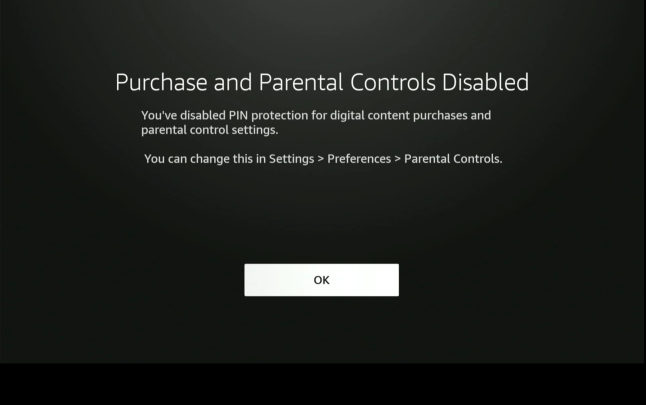
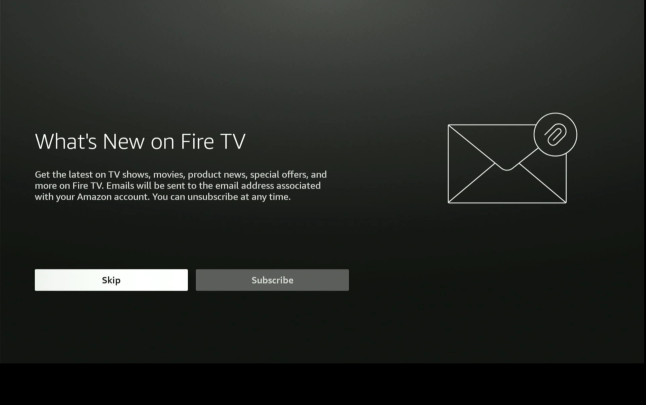
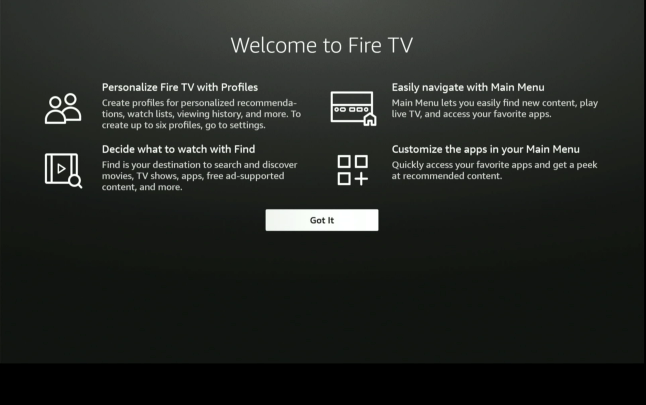
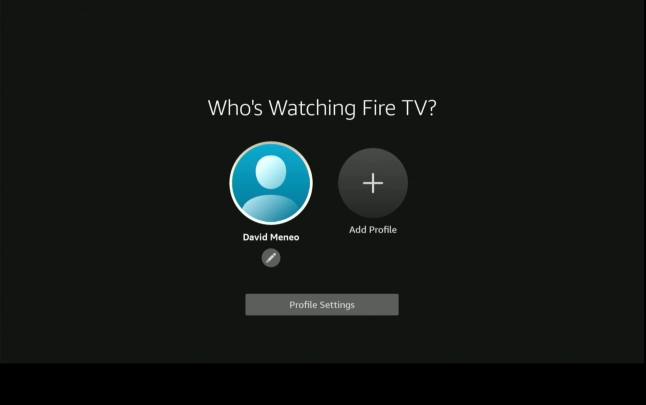
51
55
56
57
58
59
60
61
62
54
63
73
74
75
77
78
79
80
81
82
76
64
65
66
67
69
71
72
70
68
1
2
3
4
5
6
7
8
9
10
11
12
13
14
15
16
17
18
19
20
21
22
23
24
25
26
27
28
29
30
31
32
33
34
35
36
37
38
39
40
41
42
43
44
45
46
47
48
49
50
52
53
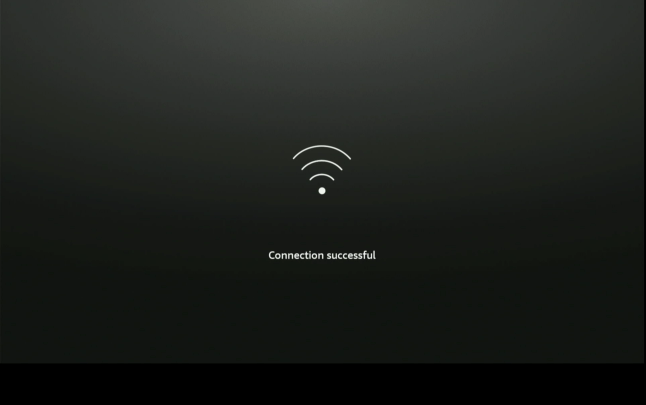
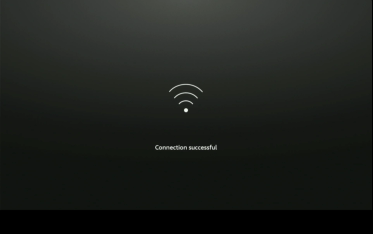
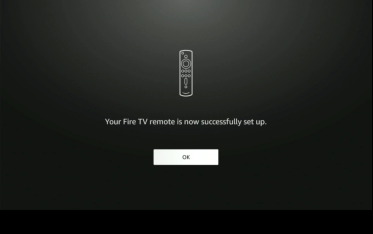
connection successful
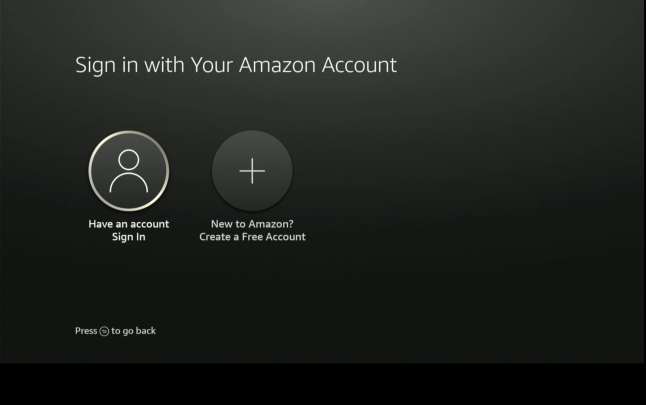
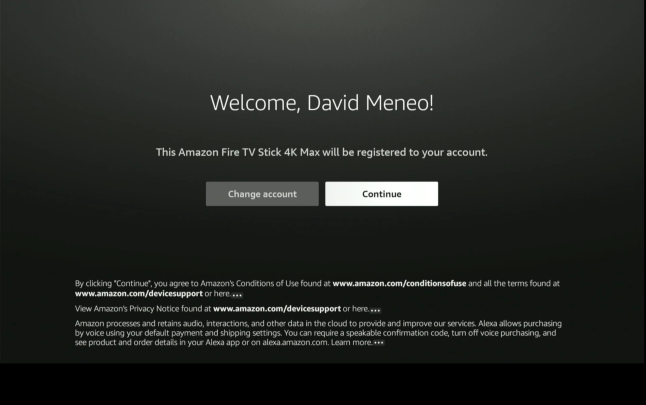
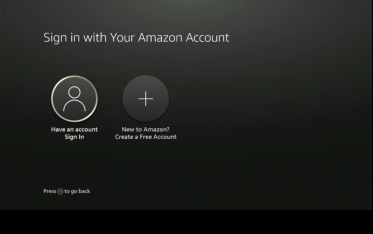
sign in or create amazon account
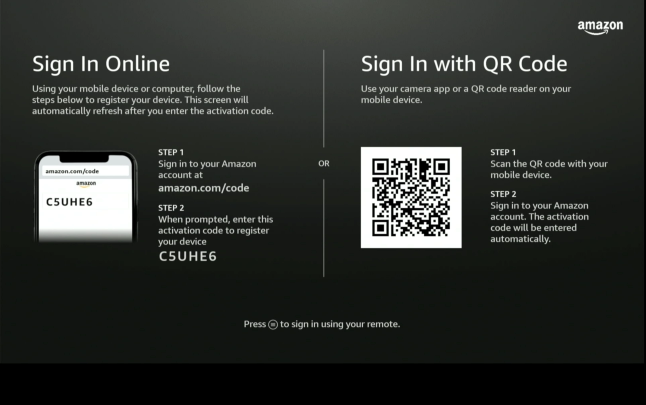
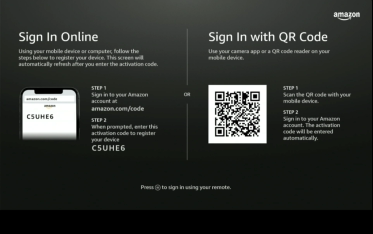
press three lines to sign in with remote
or either option above
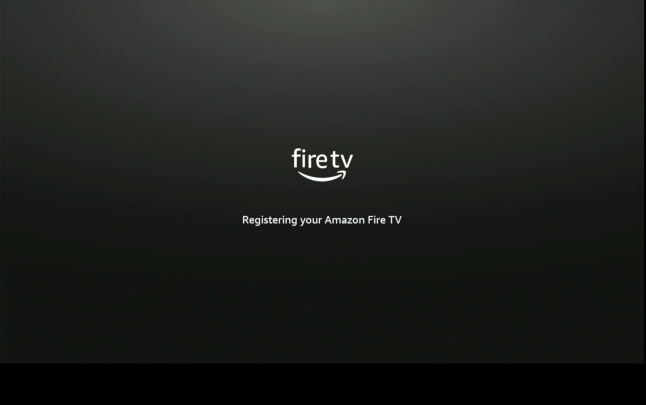
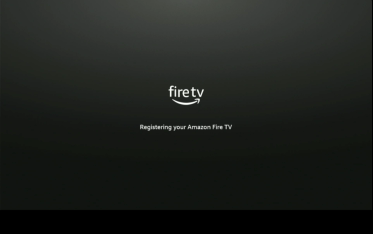
registering….
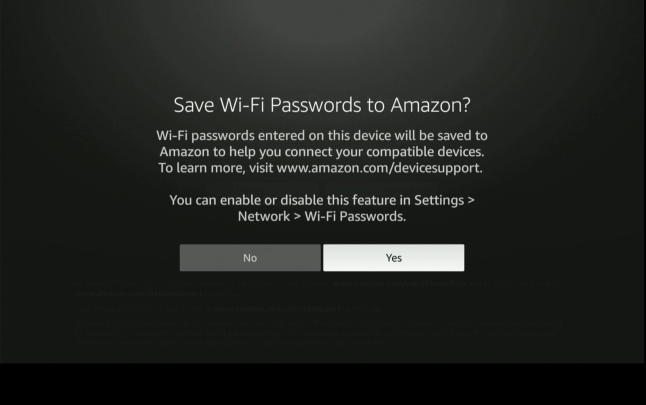
choose yes | press center button
“working” choose yes | press center button
“not working” follow onscreen directions
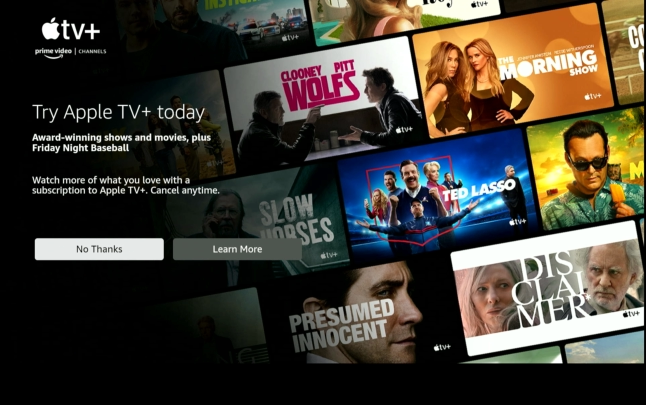
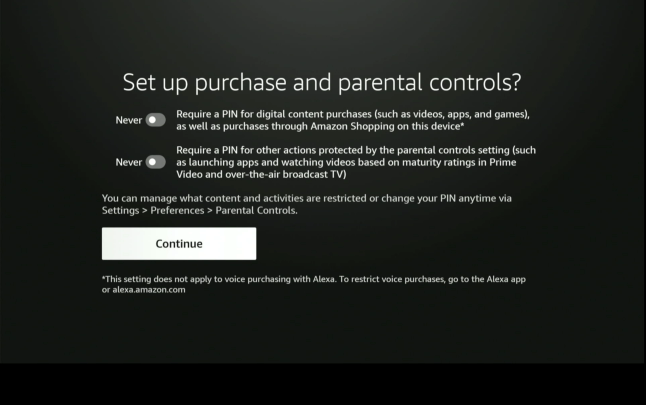
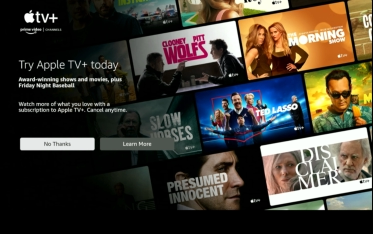
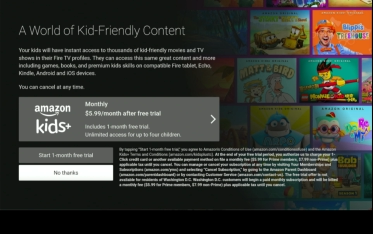
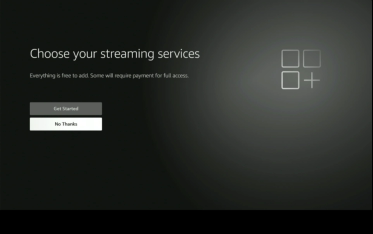
choose no thanks | press center button
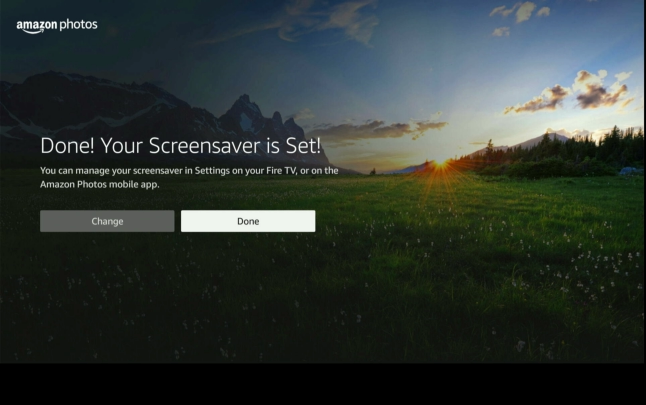
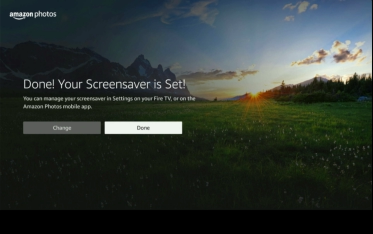
choose done | press center button
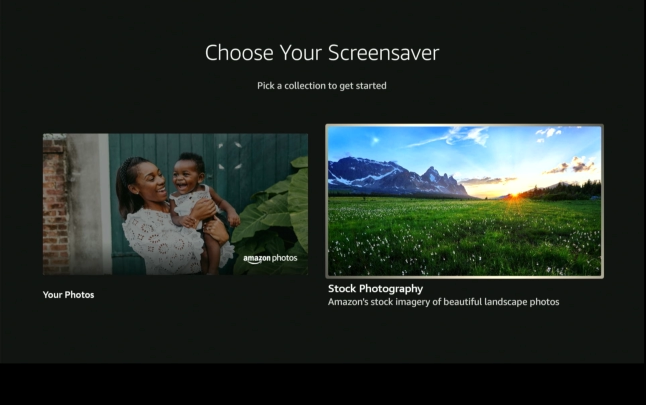
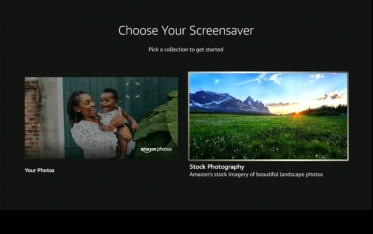
your choice | press center button
after your choice | press center button
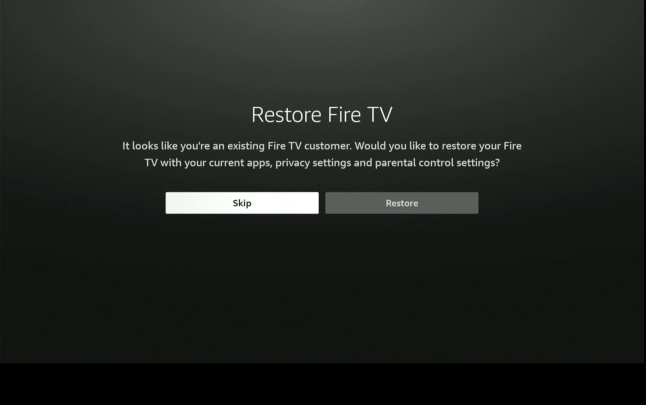
choose skip | press center button
press center button
click your profile | press center button
highlight and click download
press center button
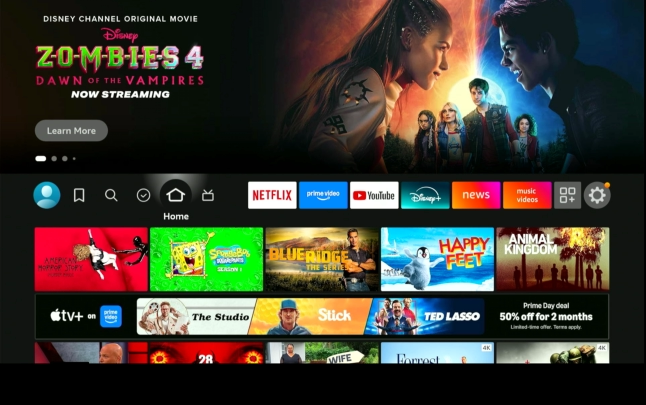
press home button
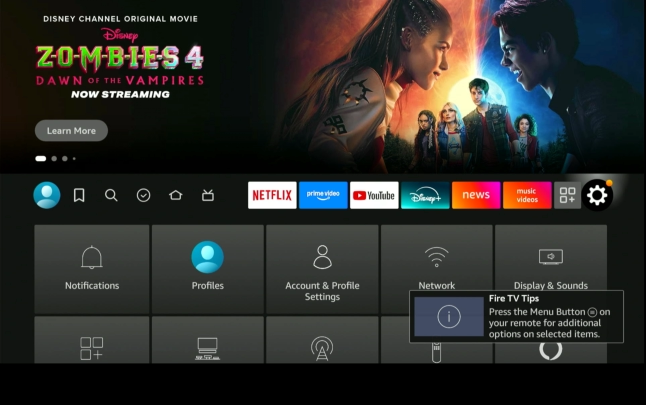
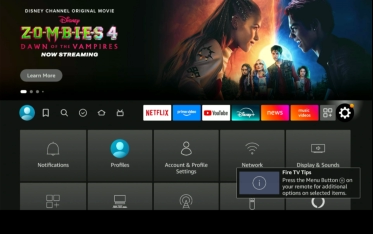
highlight gear and press center button
scroll down
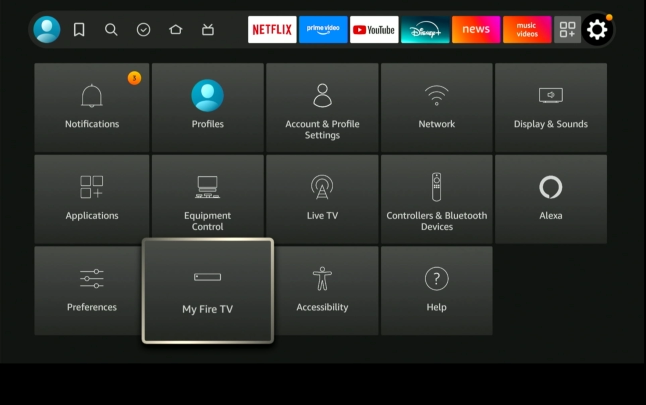
scroll over to apps | to the left of the gear
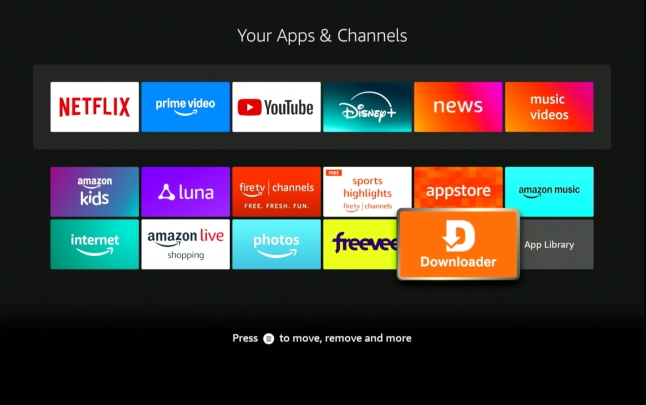
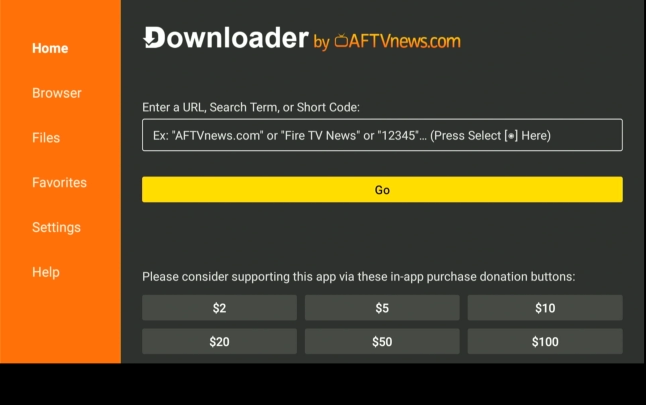
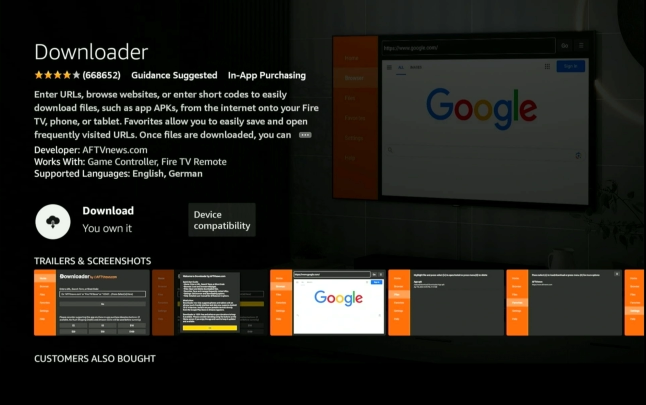
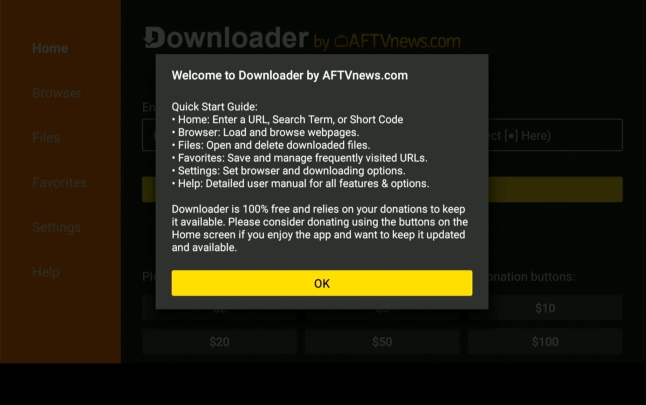
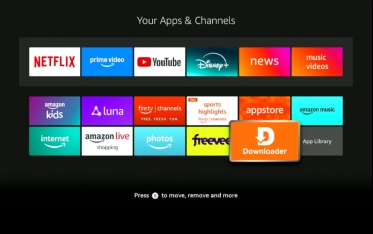
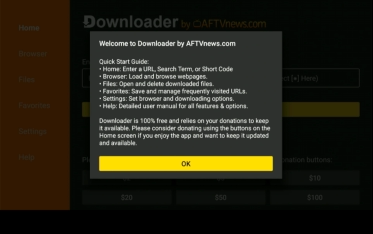
highlight downloader and press center button
press play to start
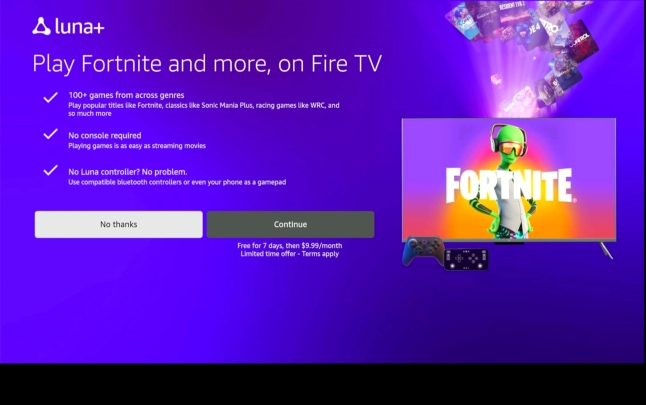
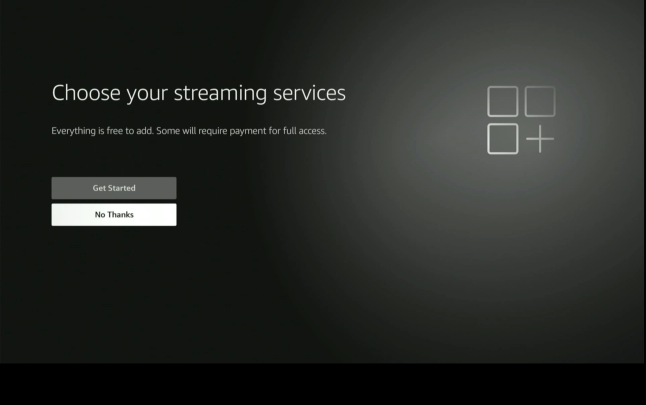
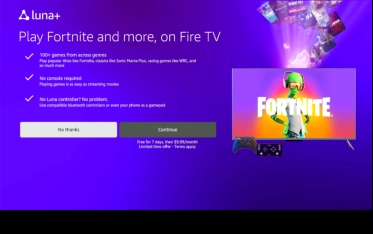
choose no thanks | press center button
choose skip | press center button
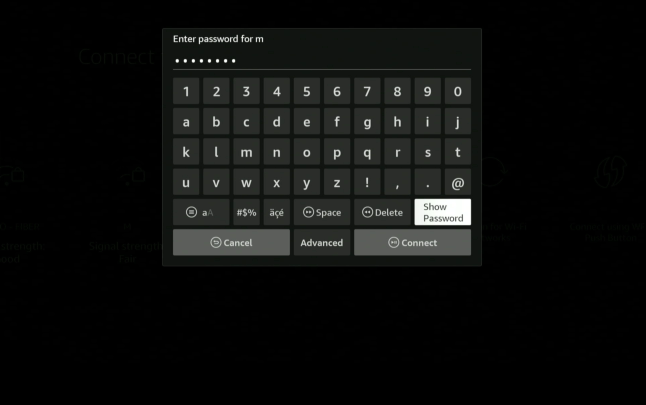
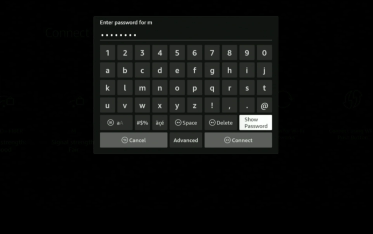
enter password
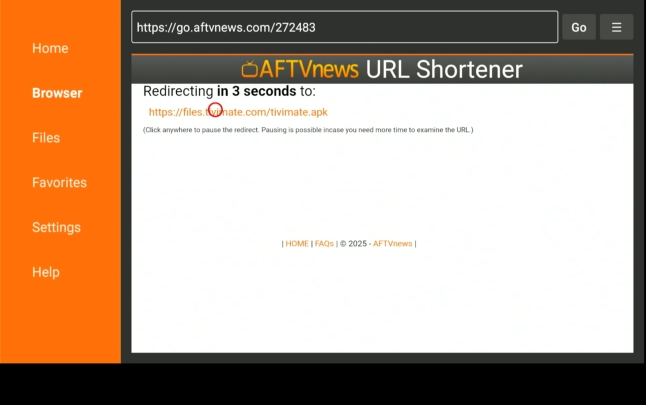
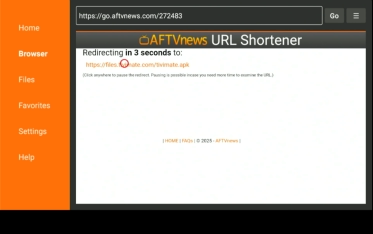
move circle to press file or wait for redirect
press center button
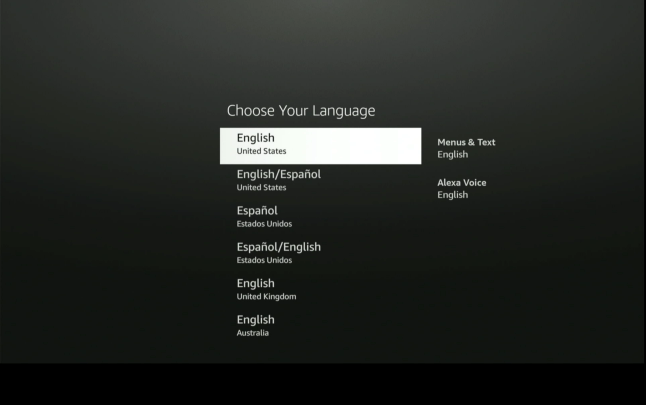
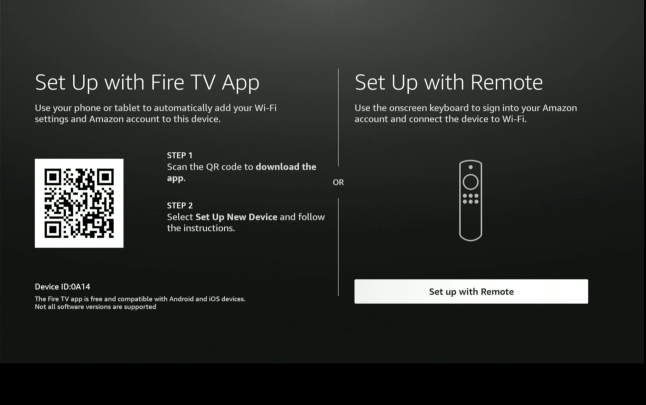
choose setup with remote | press center button
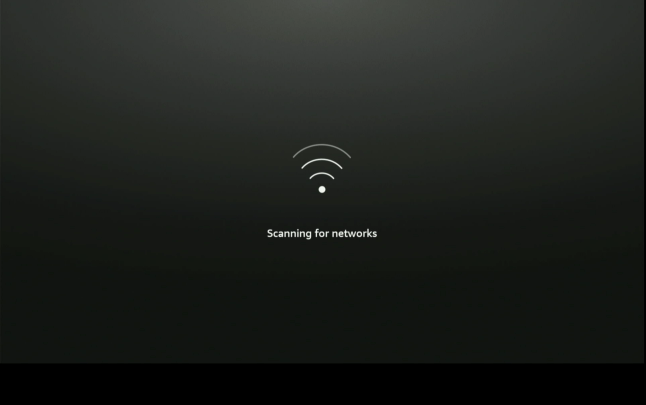
scanning…..
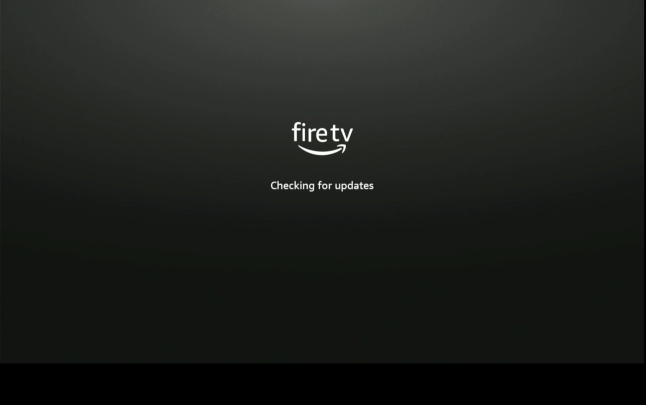
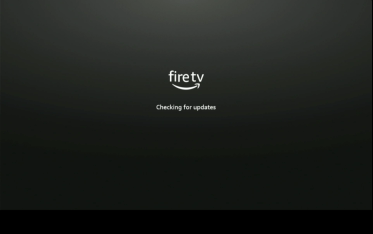
checking | possible update
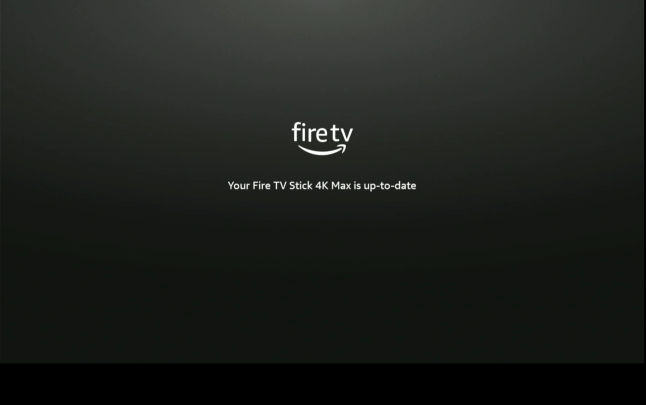
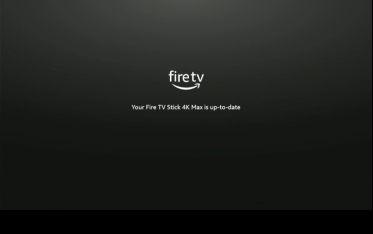
you’re up-to-date
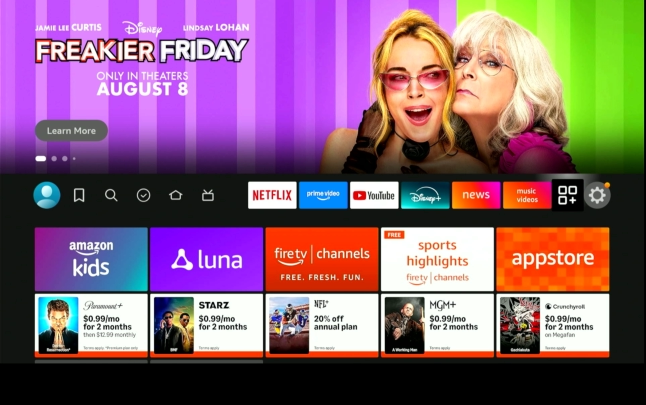
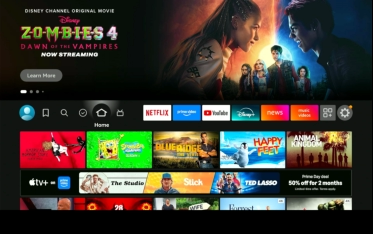
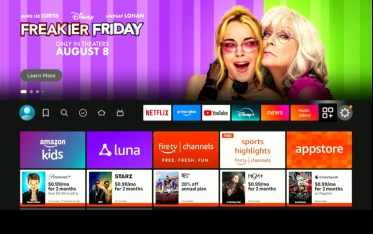
firestick homescreen
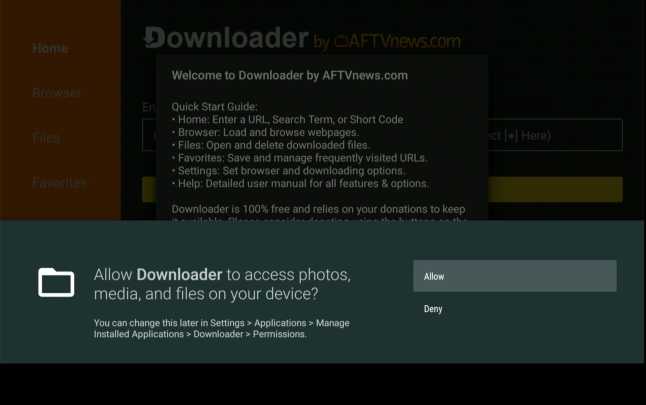
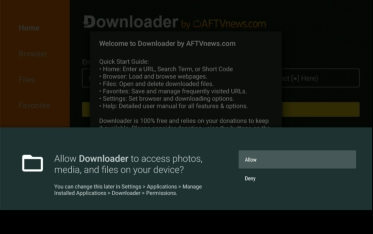
highlight allow | press center button
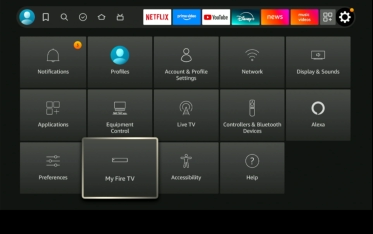
choose my fire tv | press center button
scroll over to enter box
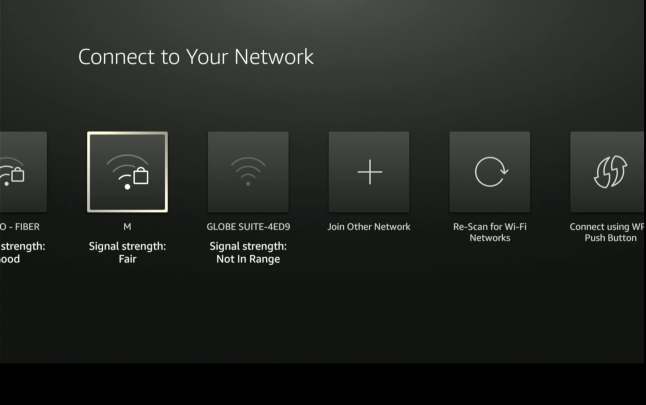
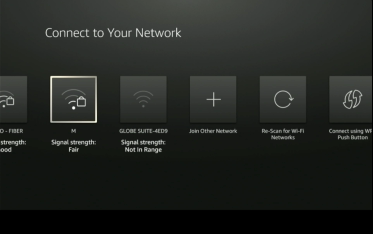
connect to your network
choose continue and press center button
press center button
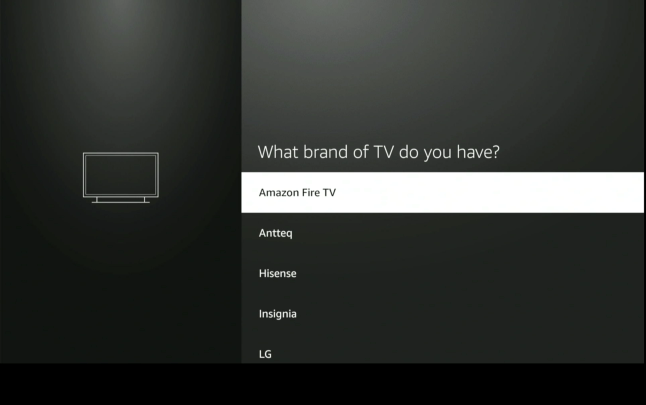
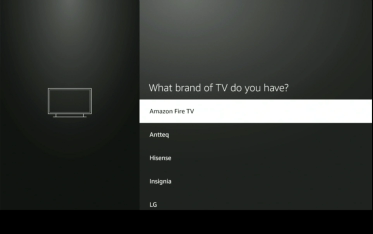
choose your tv | press center button
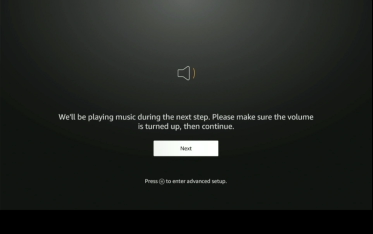
choose next|press center button
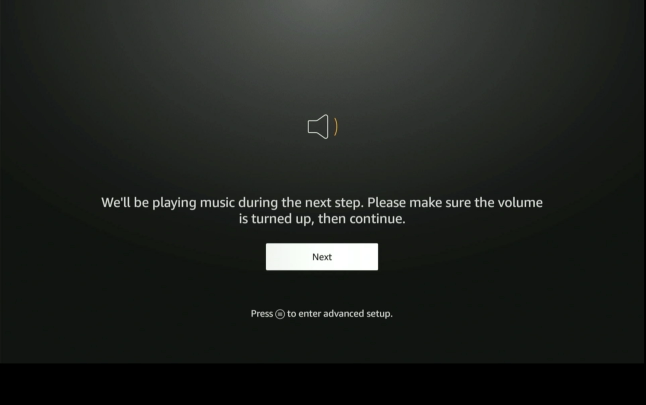
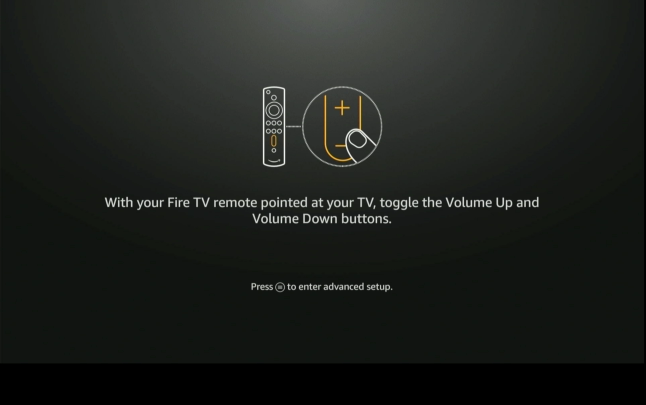
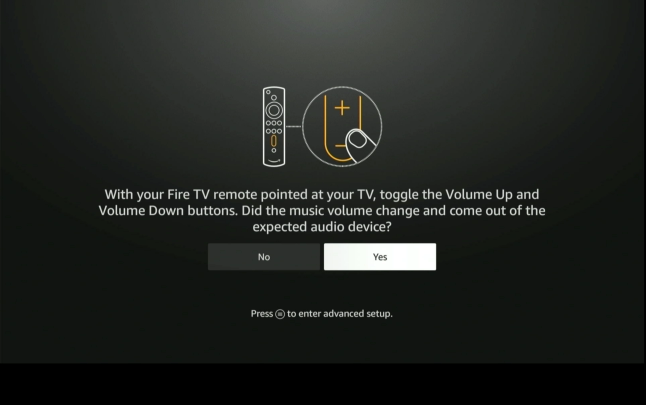
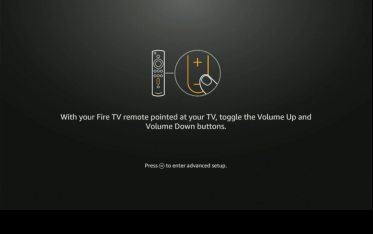
press lower volume button
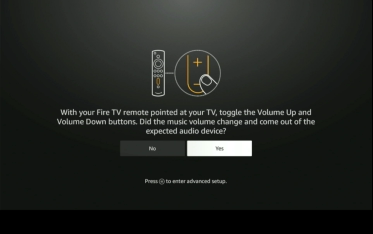
press center button
choose no thanks | press center button
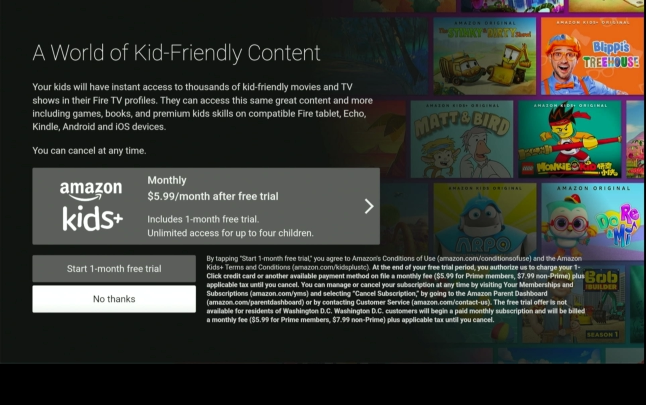
choose no thanks | press center button
your choice | press center button
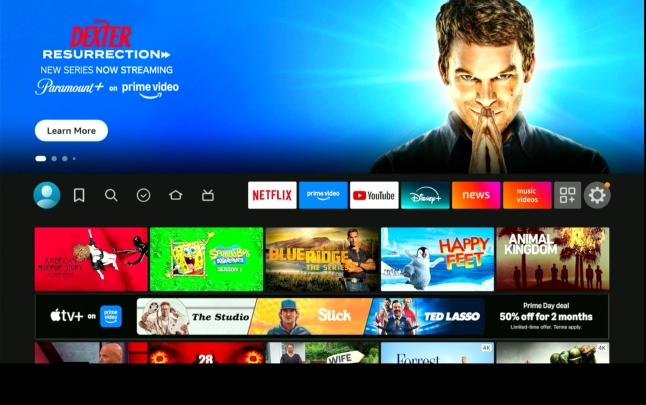
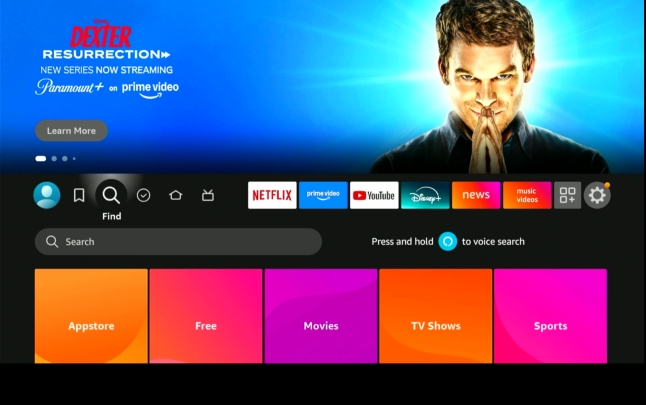
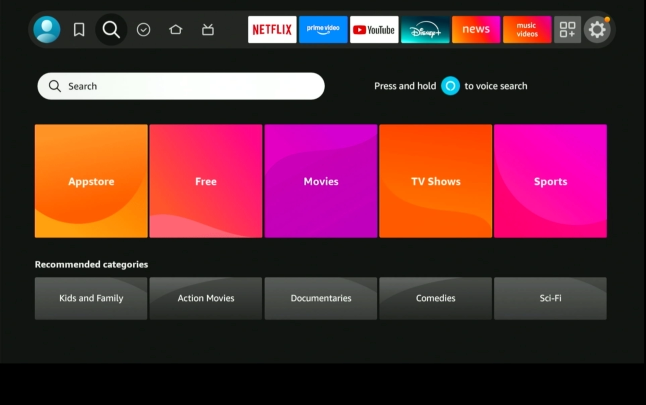
highlight magnifying class|press down button
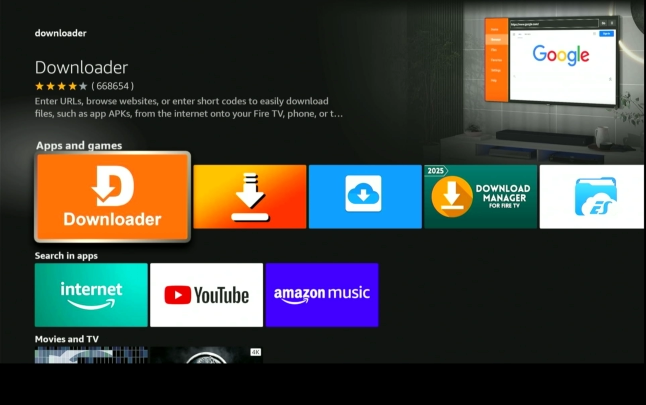
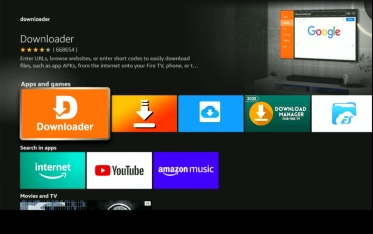
type downloader
highlight downloader | press center button
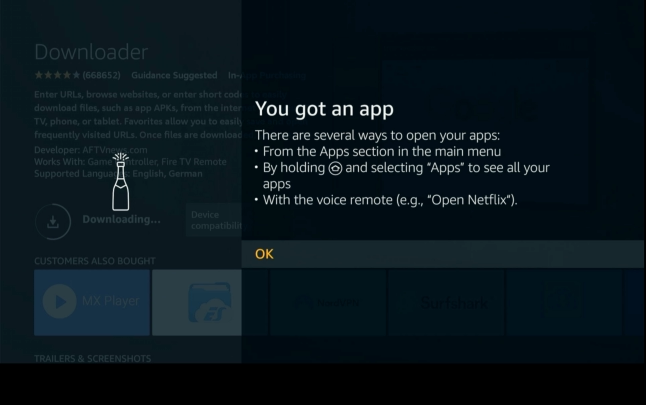
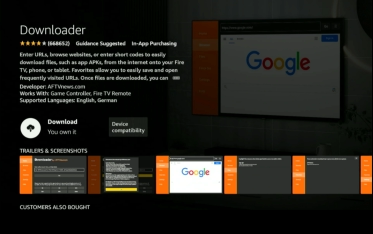
press center button
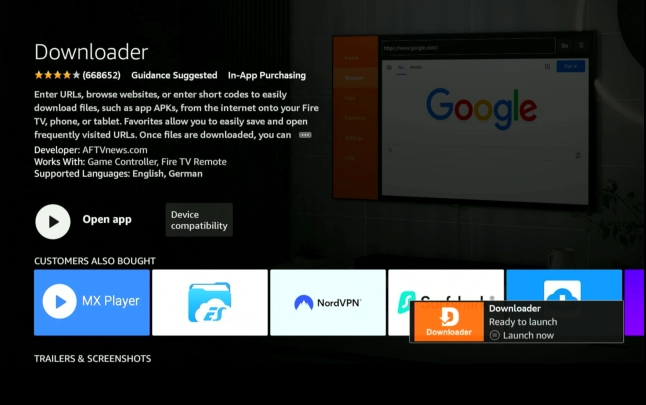
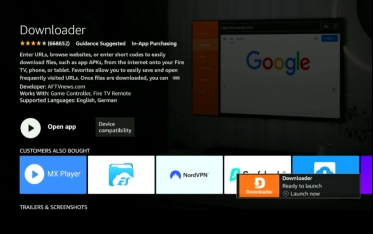
click center button to launch
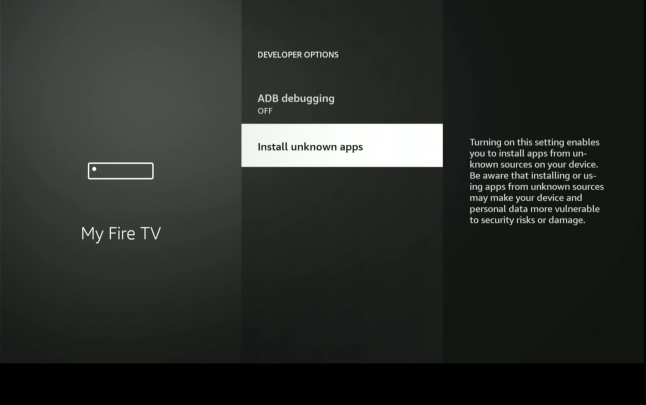
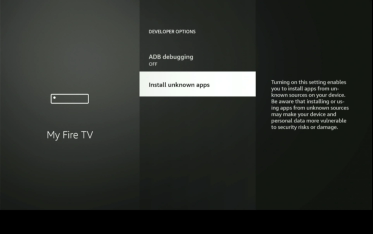
click install unknown apps
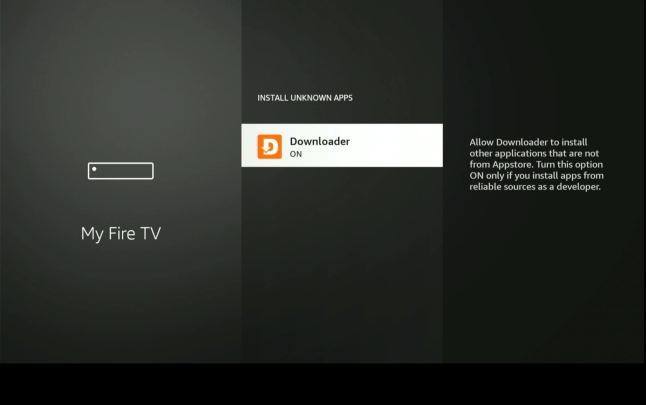
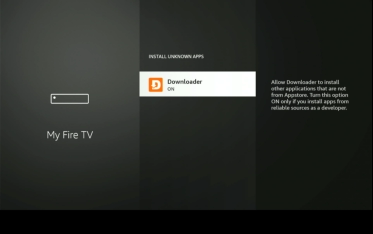
press downloader and turn on | press home
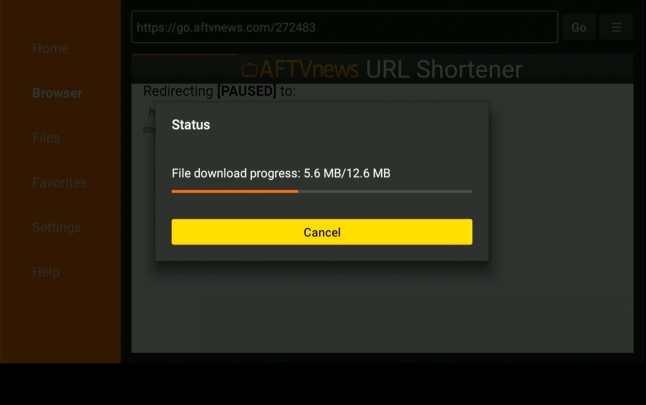
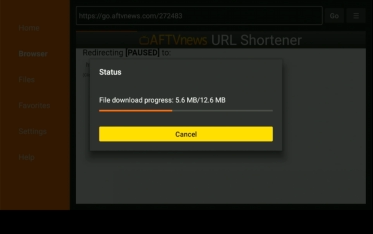
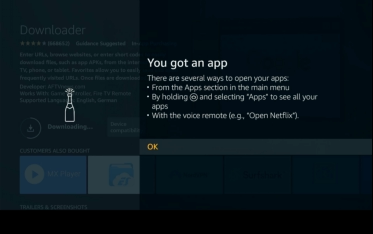
downloading….
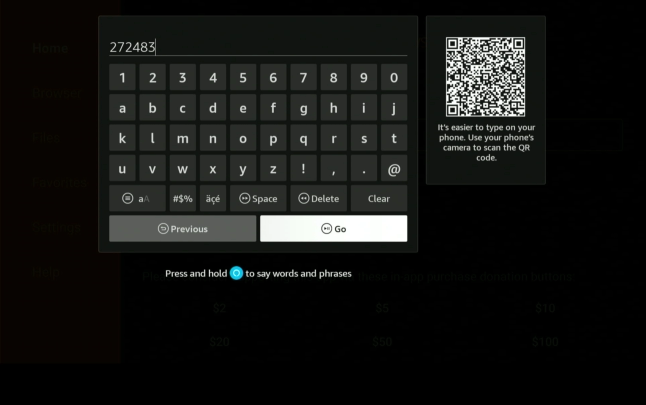
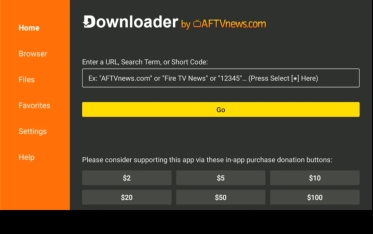
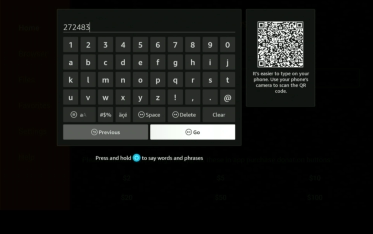
enter 272483
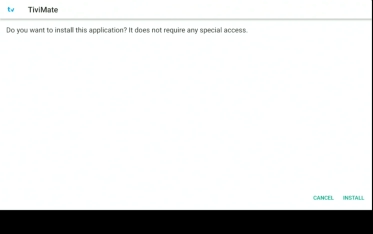
down and right buttons | press install
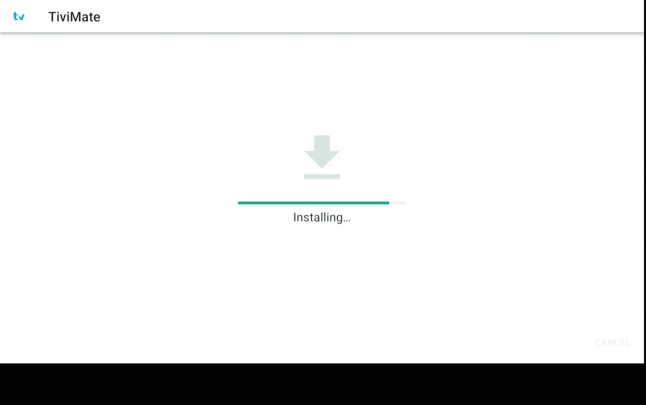
installing……
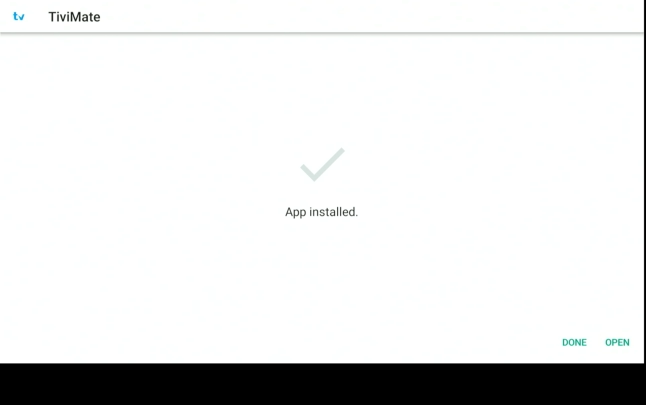
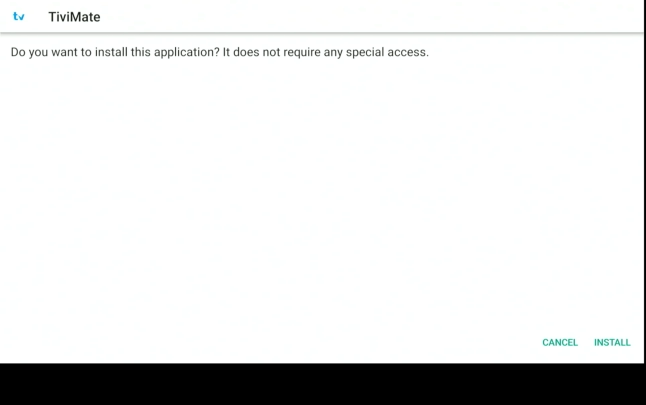
app install | press down and right | press open
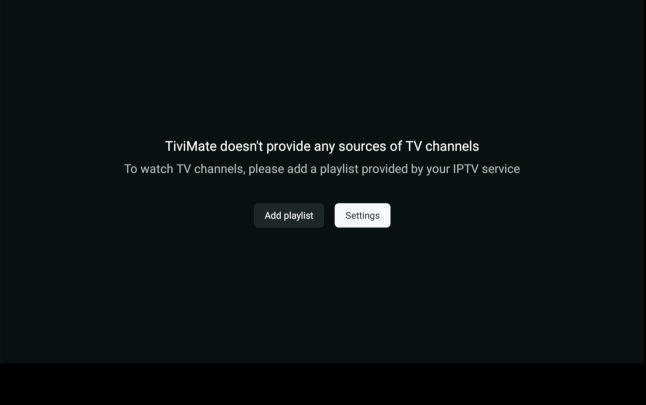
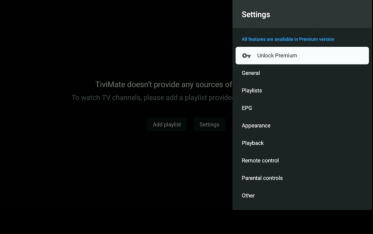
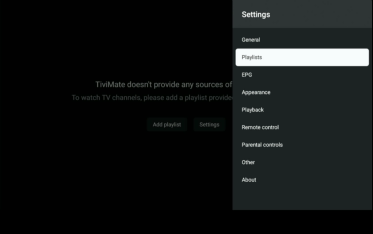
right arrow to settings
press center button
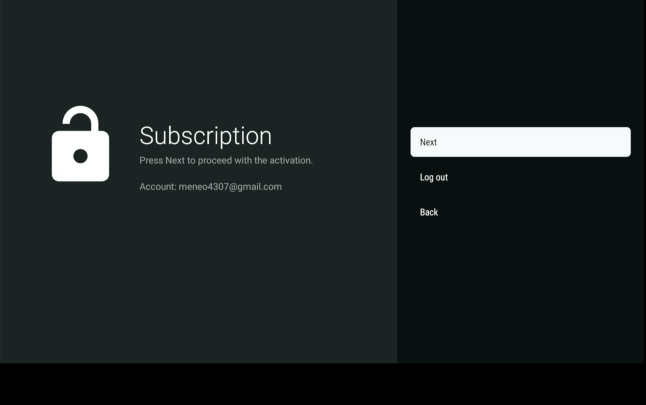
press next
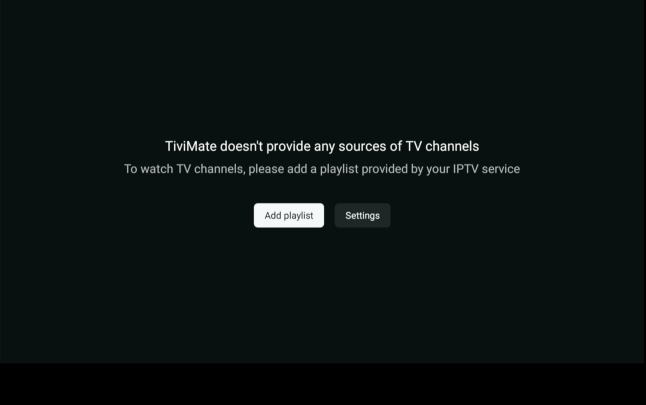
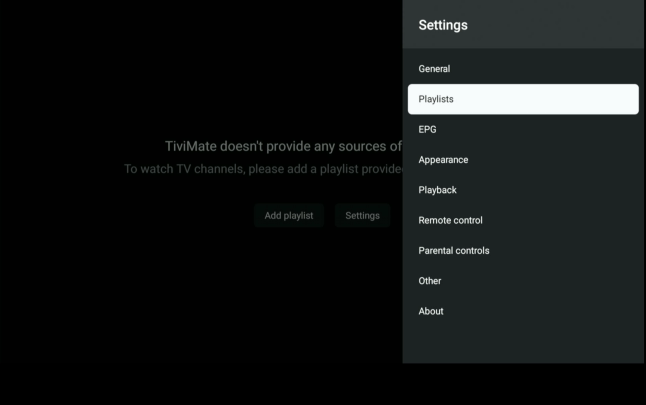
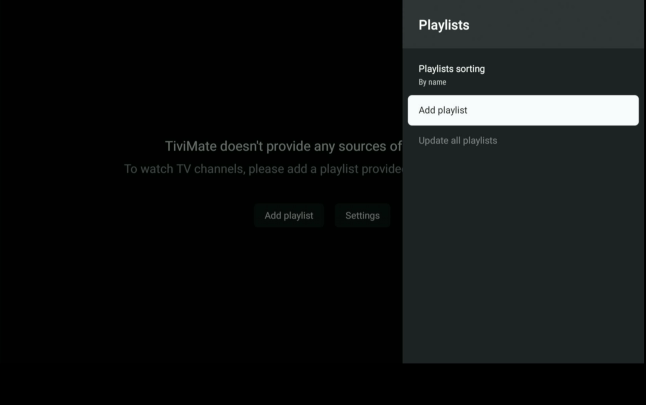
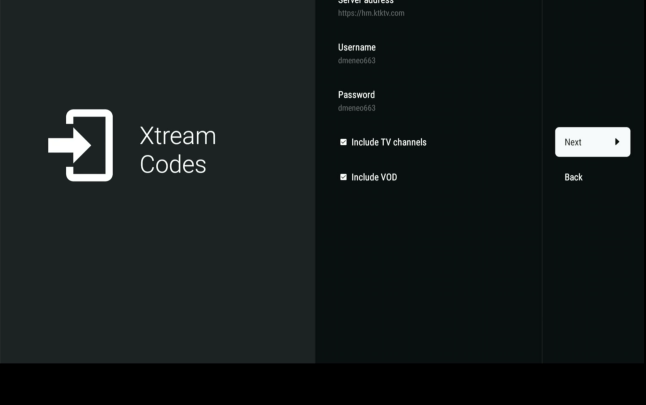
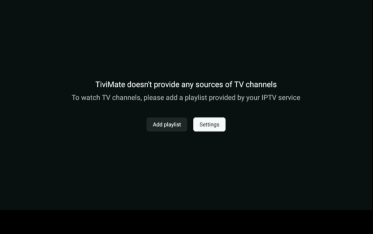
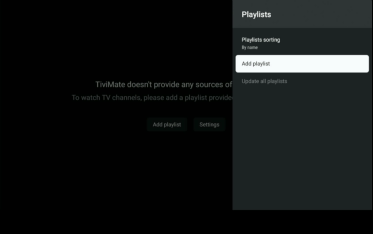
add playlist
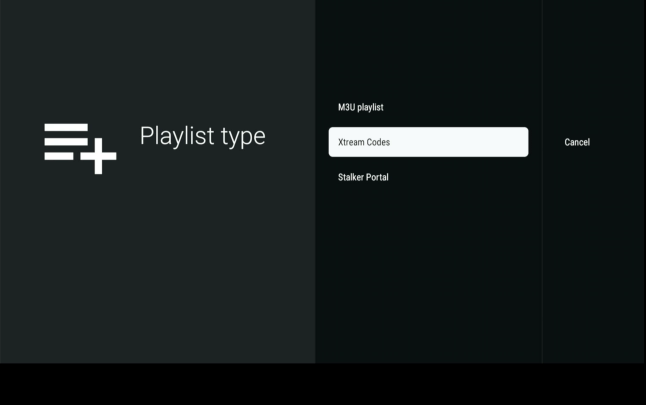
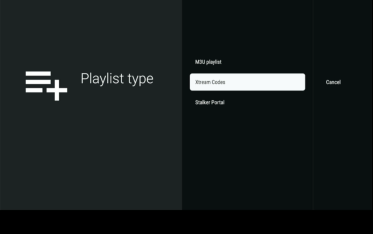
highlight xtream codes
press center button
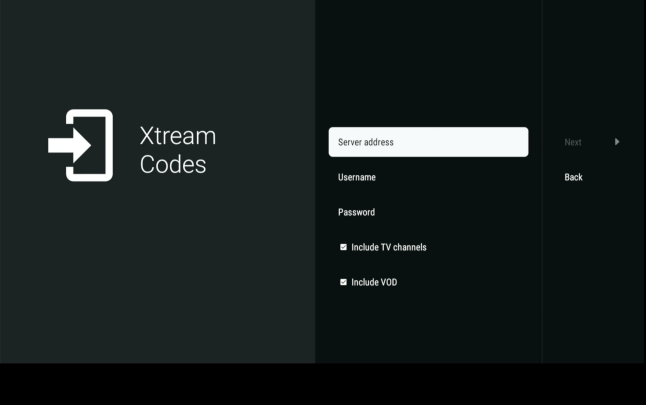
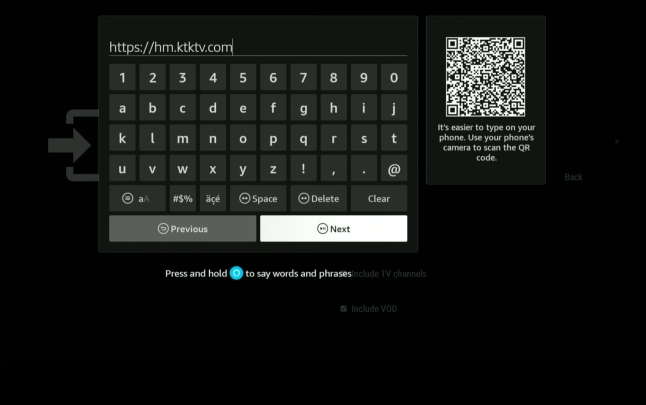
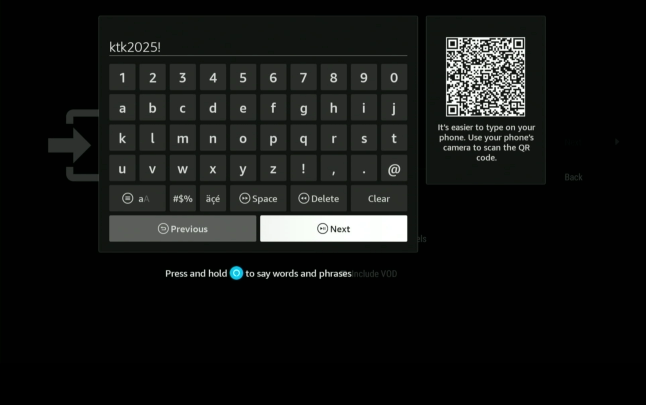
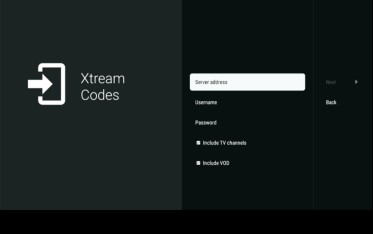
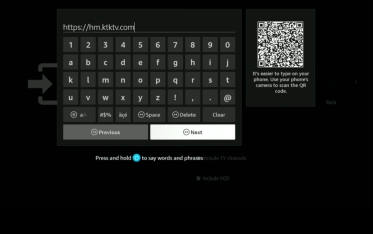
enter server information | https://hm.KTKTV.com
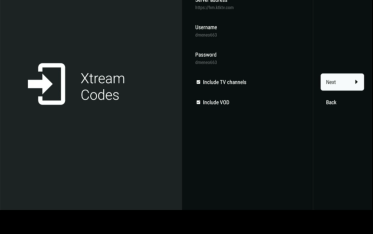
do not unclick radio buttons | press center button
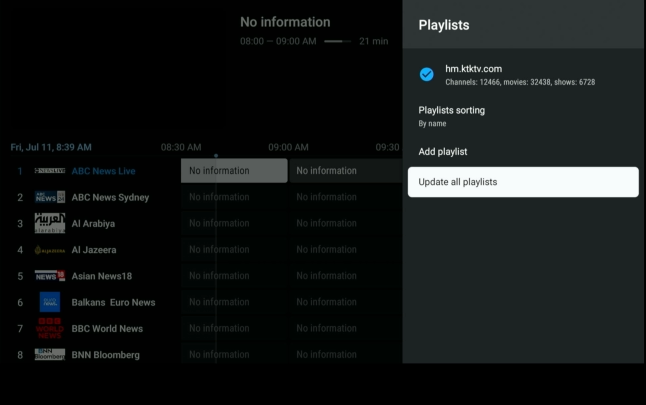
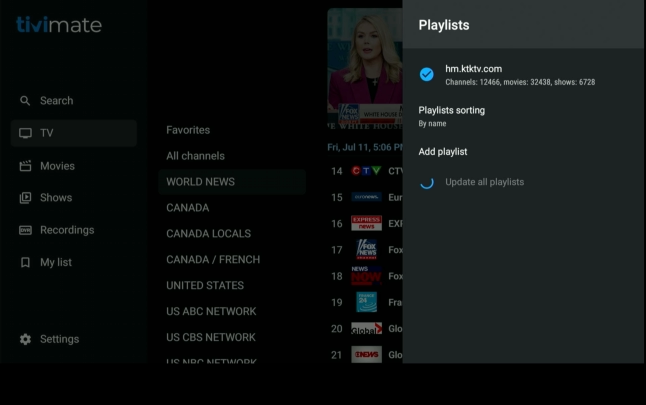
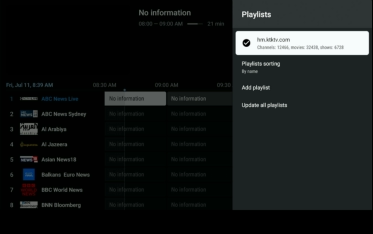
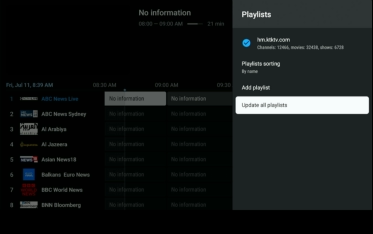
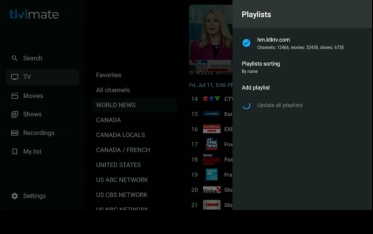
scroll down to update all playlist
press center button
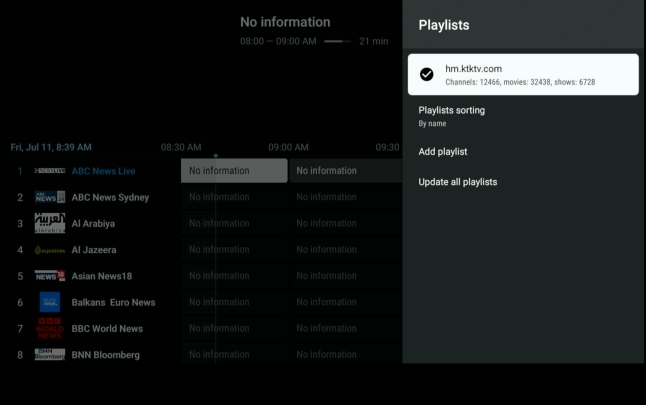
press playlist
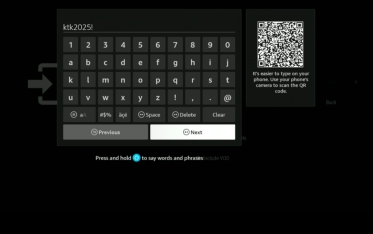
enter password provided
press center button
press center button
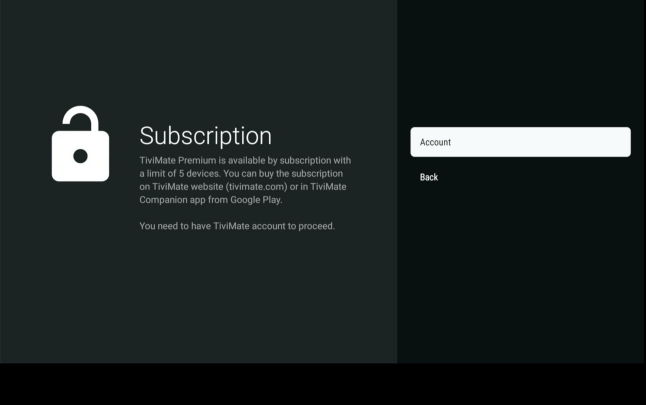
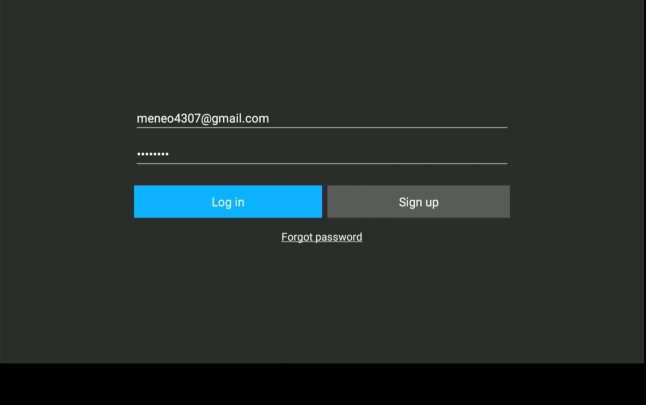
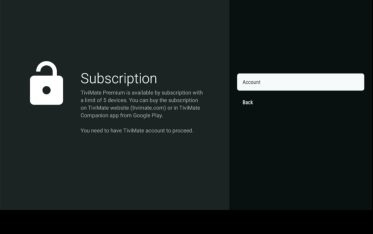
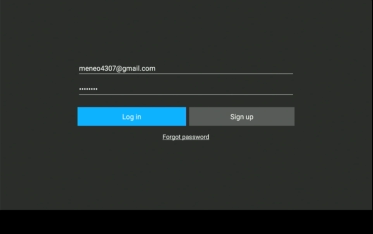
enter premium account information
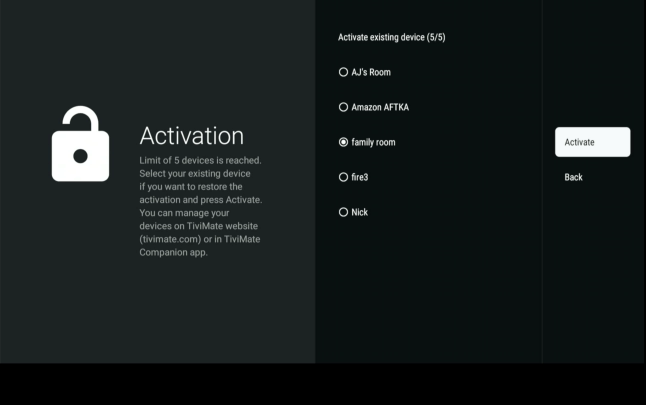
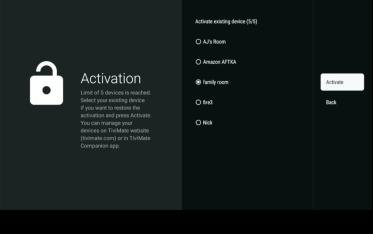
choose or add room name | press activate
press center button
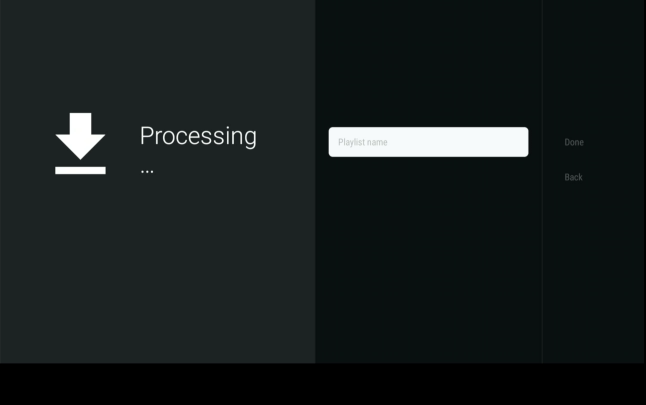
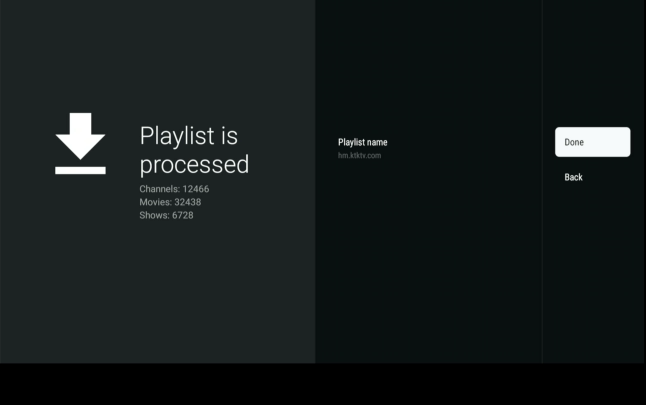
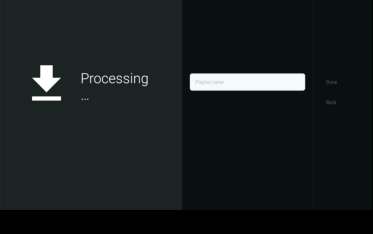
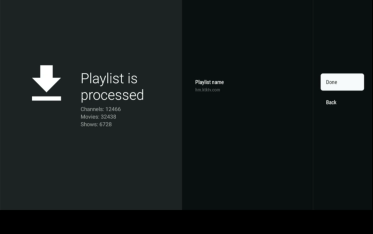
processing……
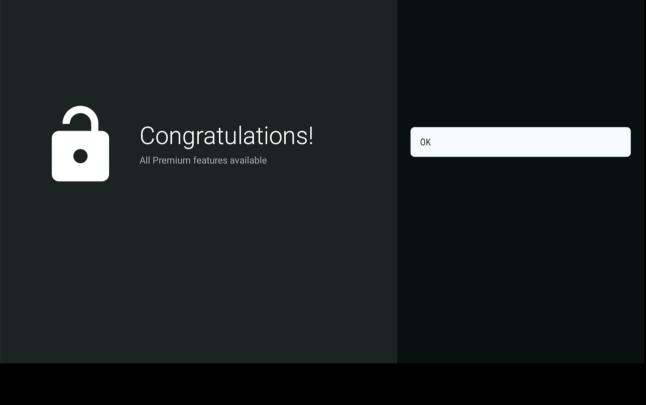
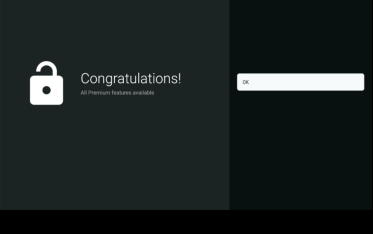
press done
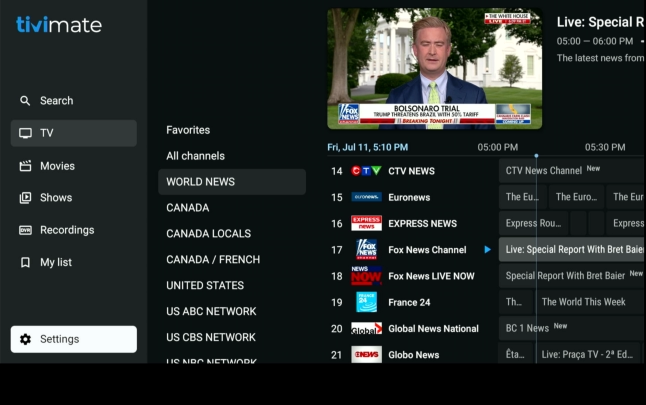
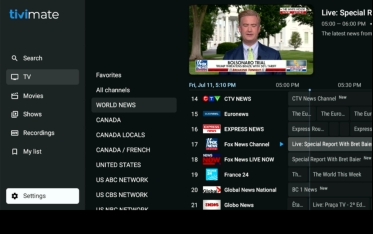
main menu | choose tv, movies or shows|enjoy
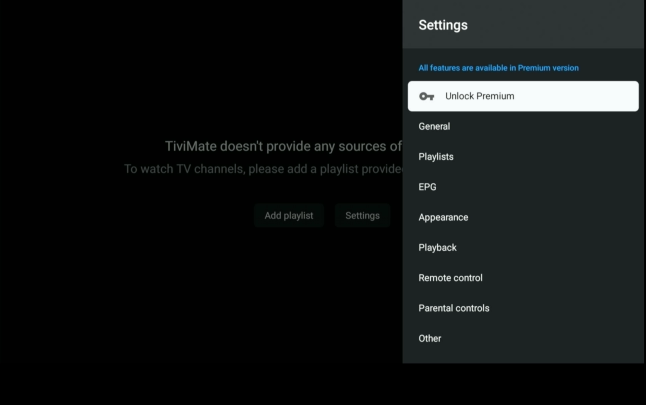
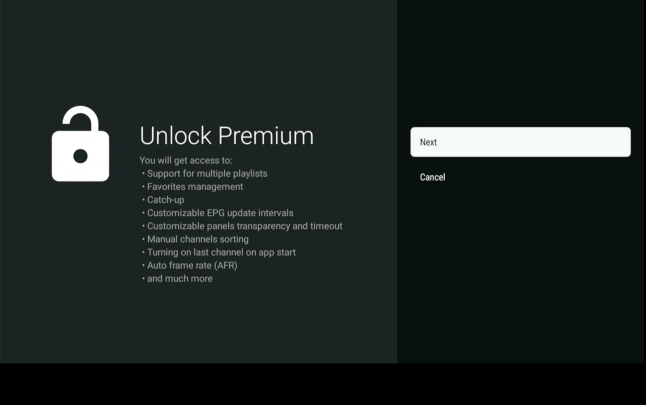
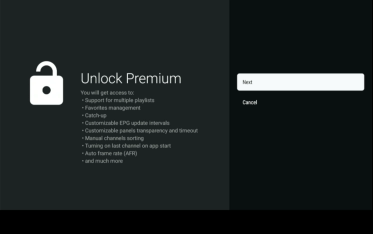
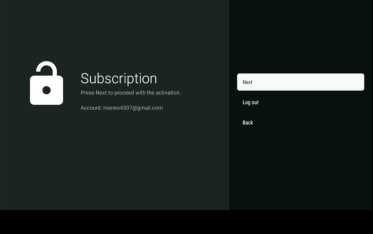
press unlock premium
while updating click arrow button twice
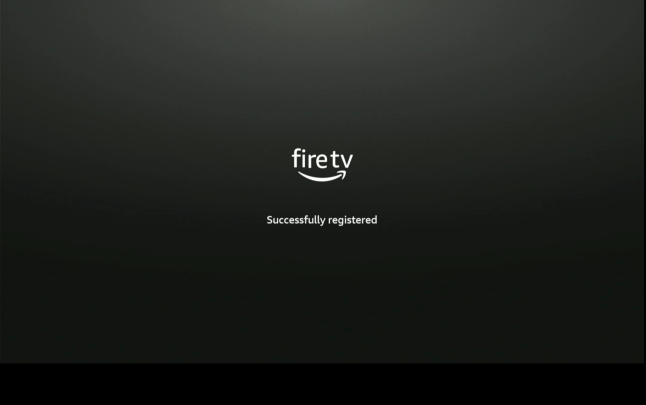
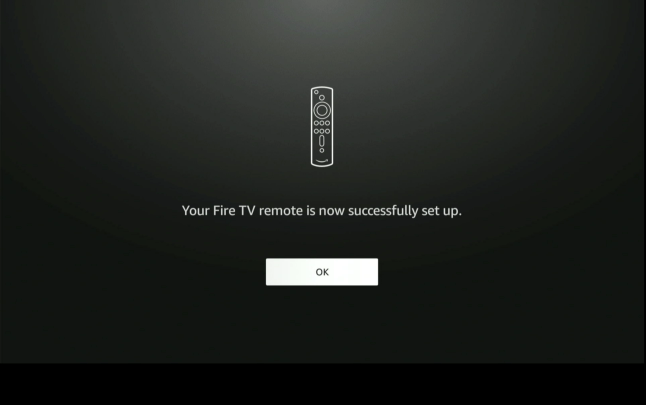
successfull
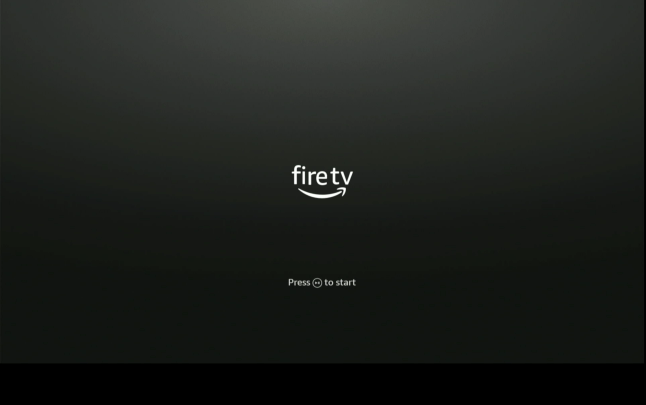
start
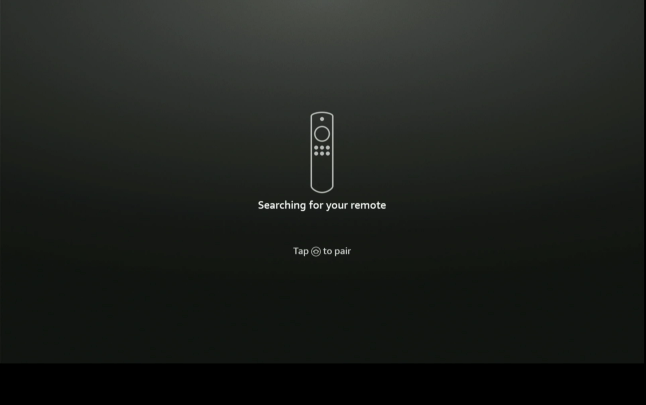
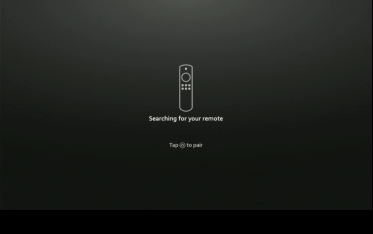
press home to pair
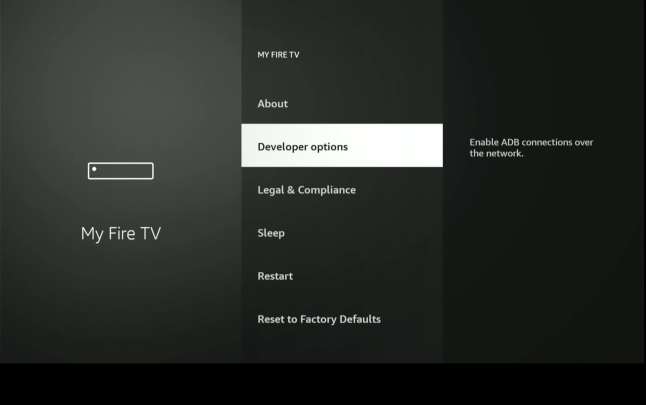
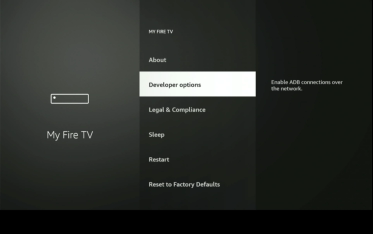
choose developer options | press center button


Call us anytime
833-588-5673
eMail us
support@KTKTV.com


Firestick Setup

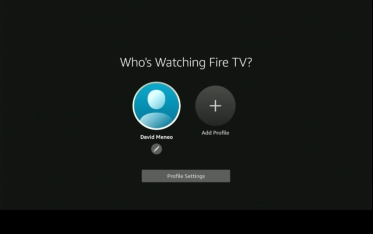
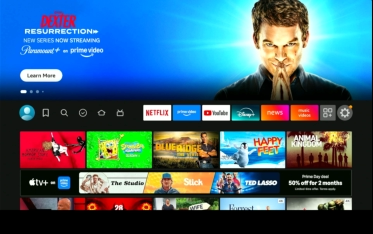
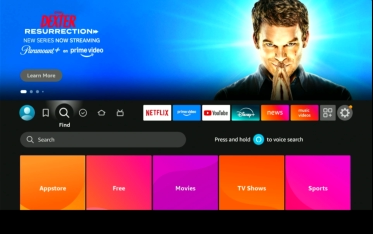
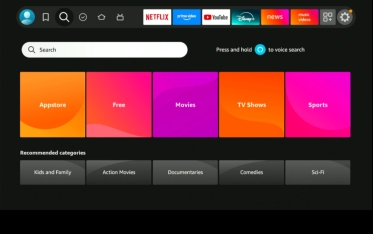
51
55
56
57
58
59
60
61
62
54
63
73
74
75
77
78
79
80
81
82
76
64
65
66
67
69
71
72
70
68
1
2
3
4
5
6
7
8
9
10
11
12
13
14
15
16
17
18
19
20
21
22
23
24
25
26
27
28
29
30
31
32
33
34
35
36
37
38
39
40
41
42
43
44
45
46
47
48
49
50
52
53
connection successful
sign in or create amazon account
press three lines to sign in with remote
or either option above
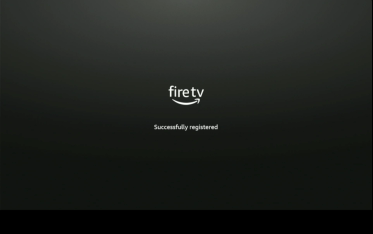
registering….
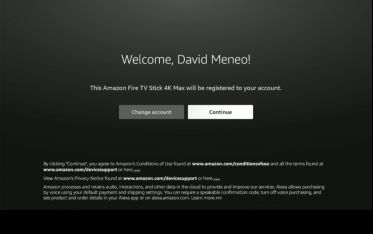
choose yes | press center button
“working” choose yes | press center button
“not working” follow onscreen directions
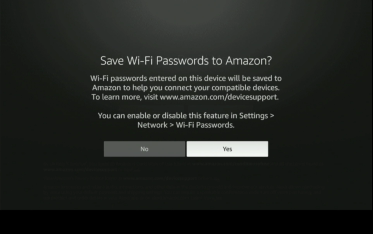
choose no thanks | press center button
choose done | press center button
your choice | press center button
after your choice | press center button
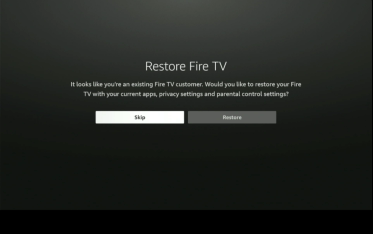
choose skip | press center button
press center button
click your profile | press center button
highlight and click download
press center button
press home button
highlight gear and press center button
scroll down
scroll over to apps | to the left of the gear
highlight downloader and press center button
press play to start
choose no thanks | press center button
choose skip | press center button
enter password
move circle to press file or wait for redirect
press center button
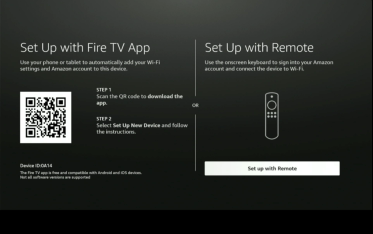
choose setup with remote | press center button
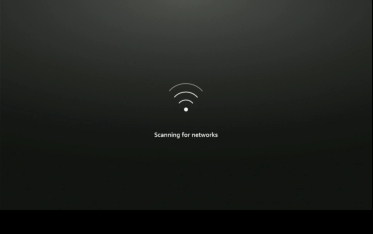
scanning…..
checking | possible update
you’re up-to-date
firestick homescreen
highlight allow | press center button
choose my fire tv | press center button
scroll over to enter box
connect to your network
choose continue and press center button
press center button
choose your tv | press center button
choose next|press center button
press lower volume button
press center button
choose no thanks | press center button
choose no thanks | press center button
your choice | press center button
highlight magnifying class|press down button
type downloader
highlight downloader | press center button
press center button
click center button to launch
click install unknown apps
press downloader and turn on | press home
downloading….
enter 272483
down and right buttons | press install
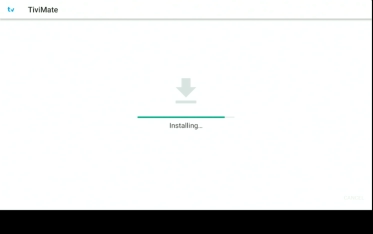
installing……
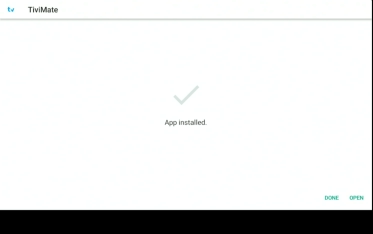
app install | press down and right | press open
right arrow to settings
press center button
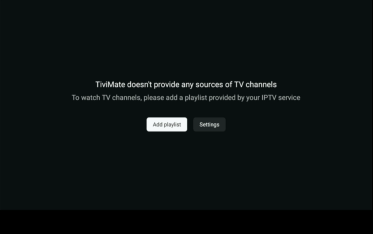
press next
add playlist
highlight xtream codes
press center button
enter server information | https://hm.KTKTV.com
do not unclick radio buttons | press center button
scroll down to update all playlist
press center button
press playlist
enter password provided
press center button
press center button
enter premium account information
choose or add room name | press activate
press center button
processing……
press done
main menu | choose tv, movies or shows|enjoy
press unlock premium
while updating click arrow button twice
successfull
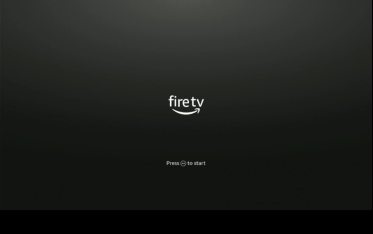
start
press home to pair
choose developer options | press center button