




Call us anytime
833-588-5673
eMail us
support@KTKTV.com


ONN Setup

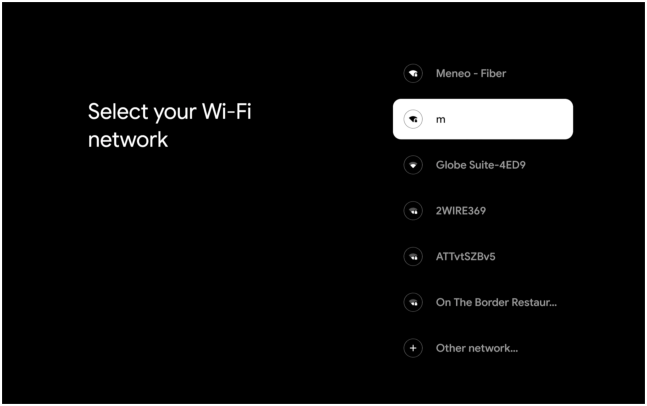
connect to your internet
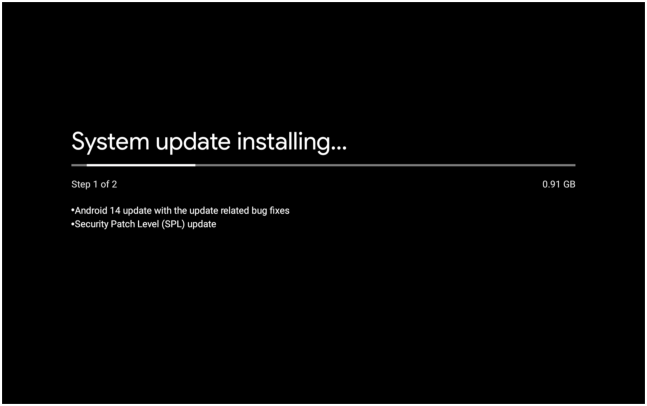
possible google update
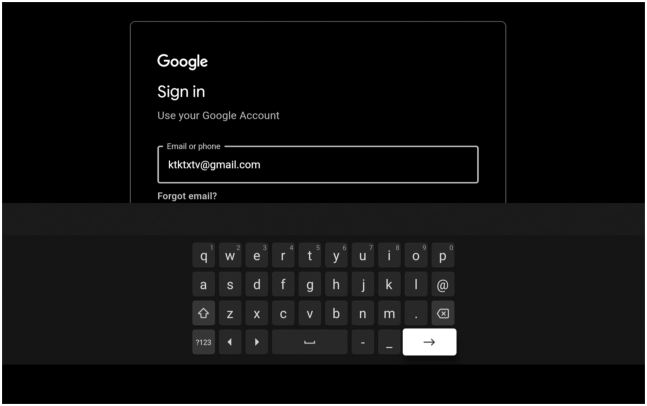
enter |ktktxtv@gmail.com
enter password
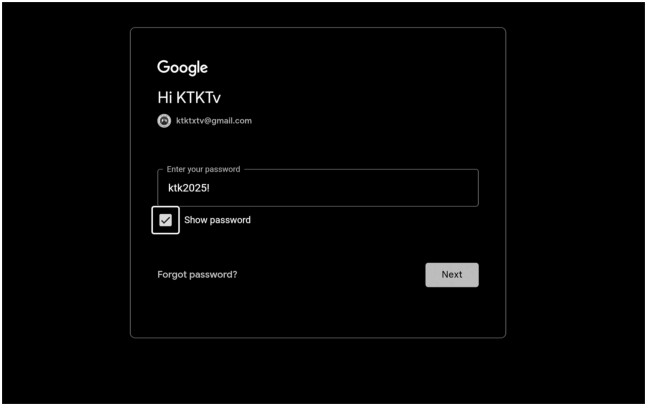
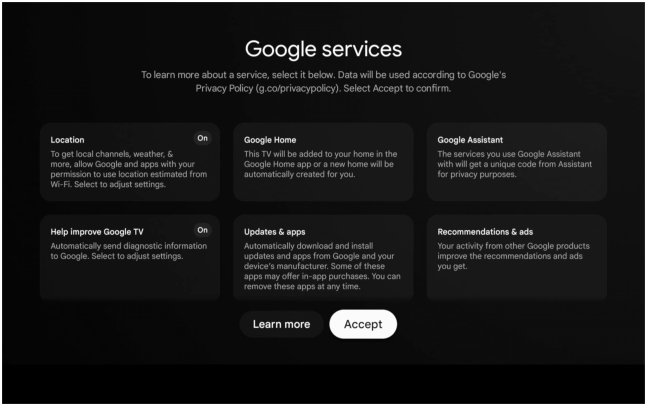
click accept
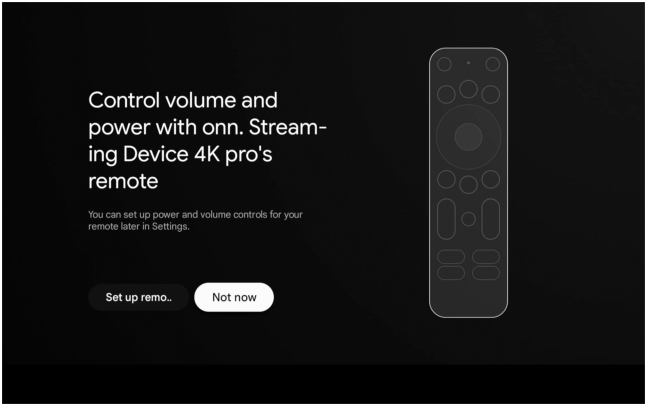
click not now
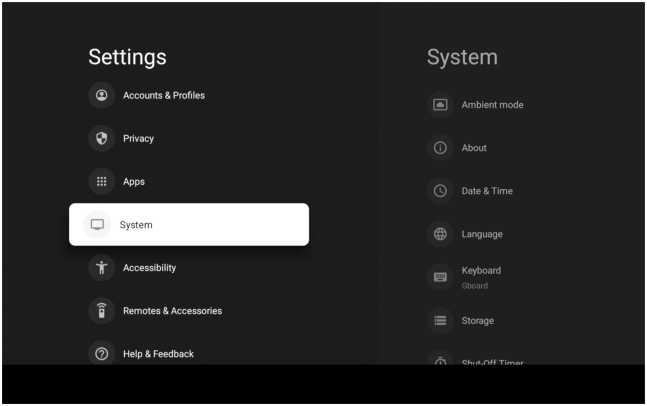
scroll down to system
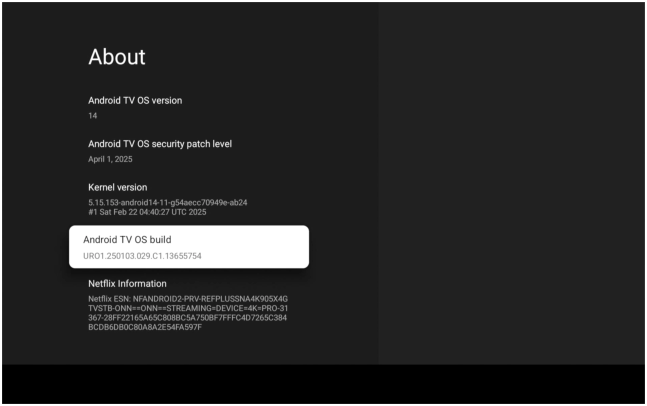
scroll down to os build
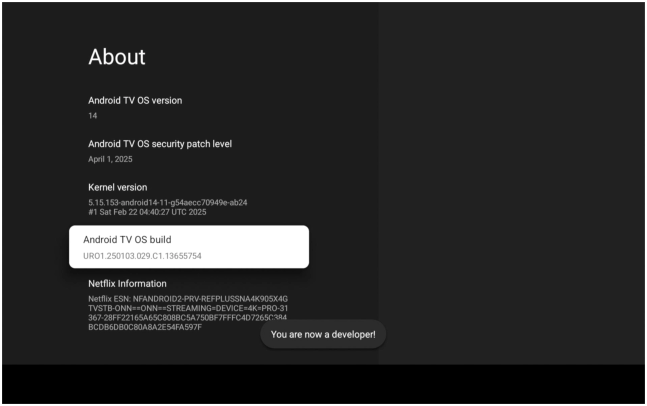
click 8 times
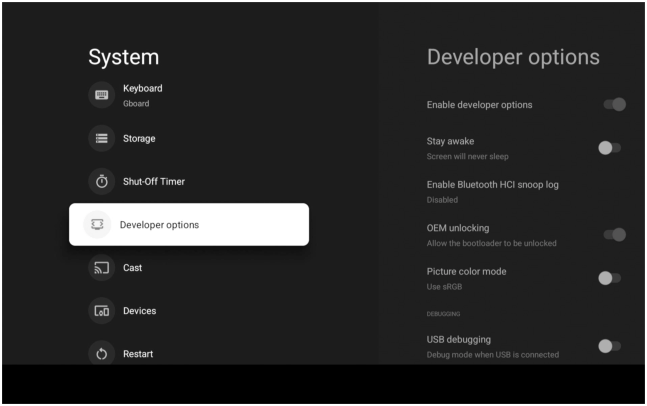
scroll to developer options
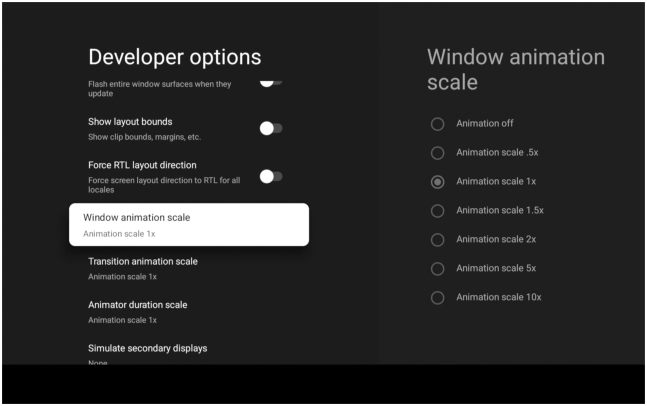
scroll to animation - turn off
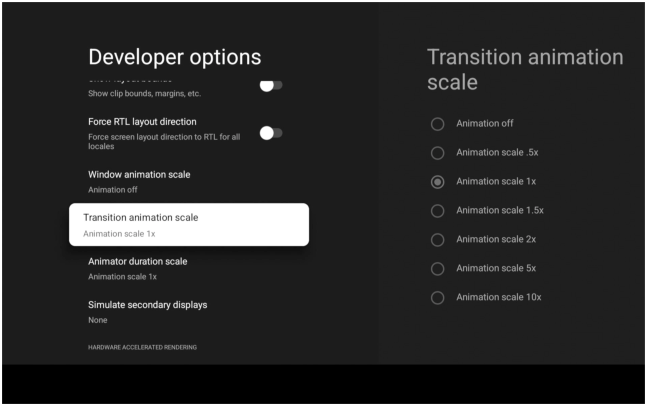
scroll to transition - turn off
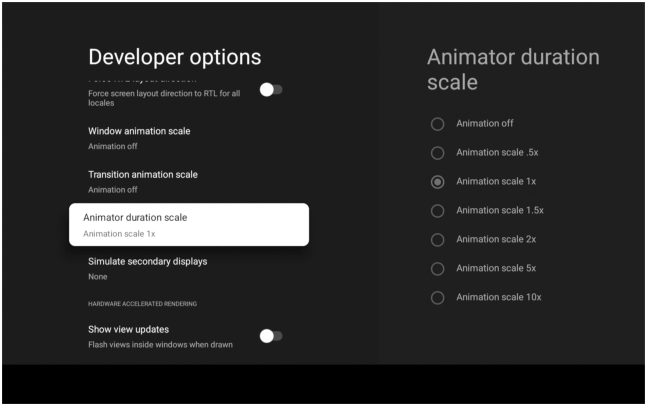
scroll to duration - turn off
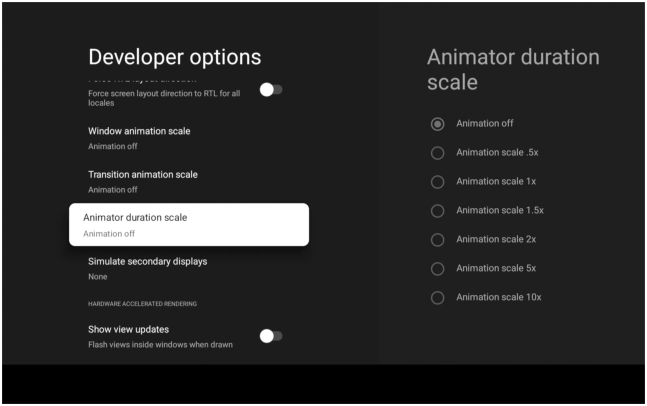
all three show off - click arrow until your’e on apps
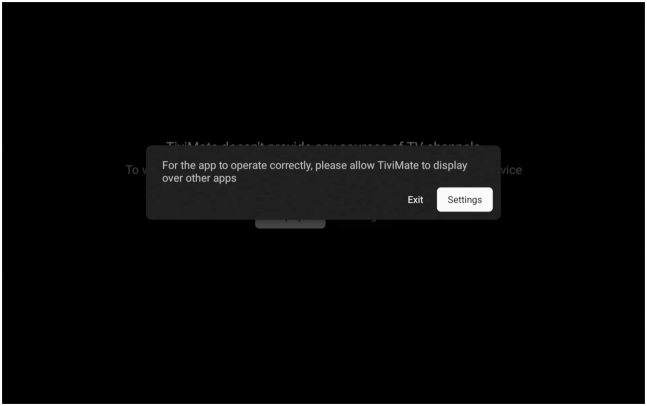
click settings
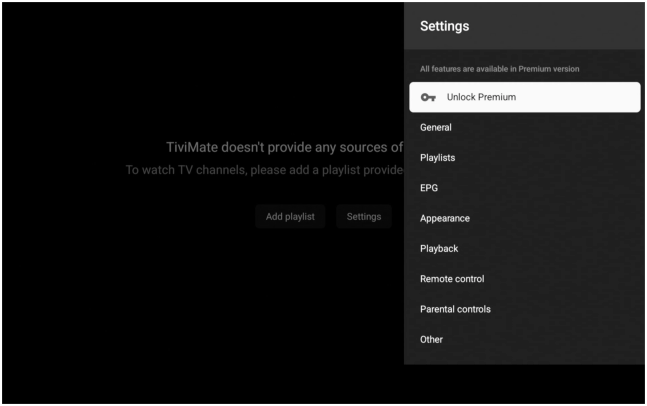
click unlock premium
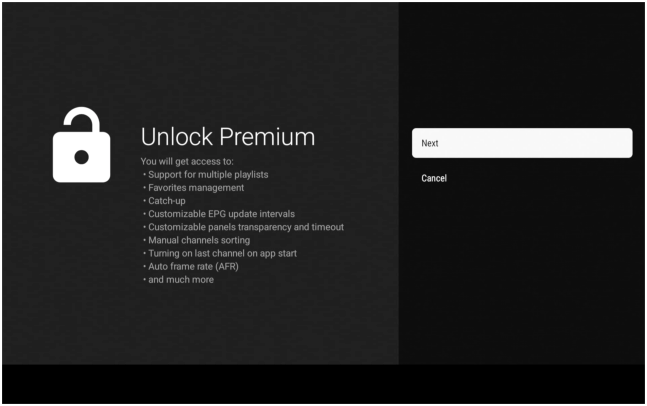
click next
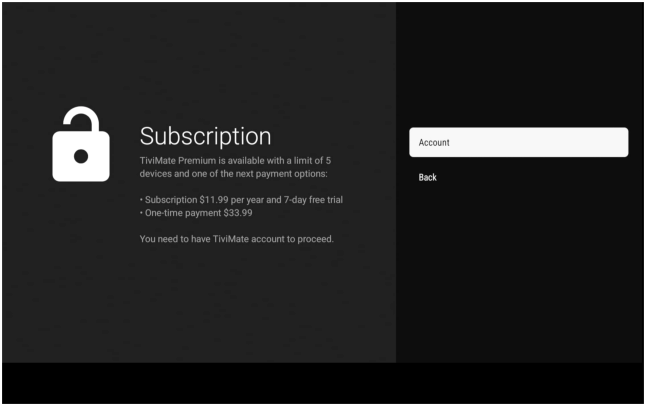
click account
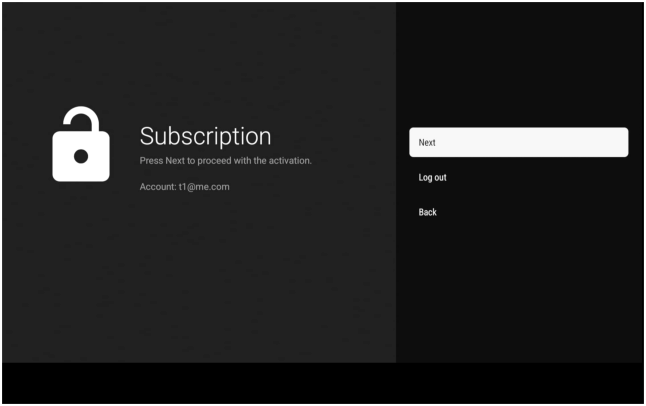
click next
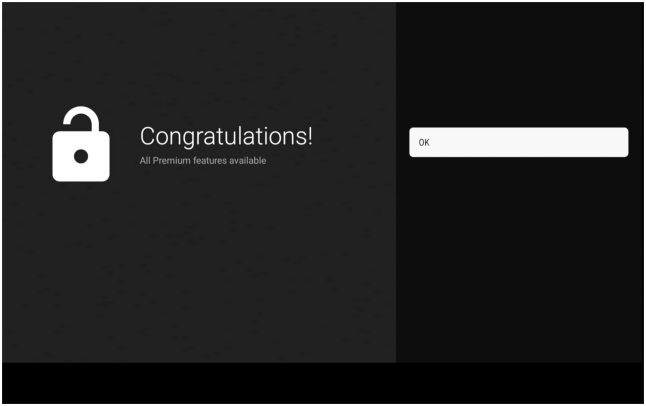
congradulations!
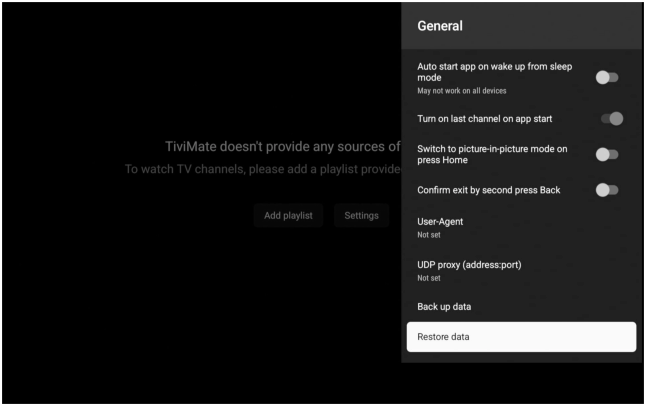
click restore
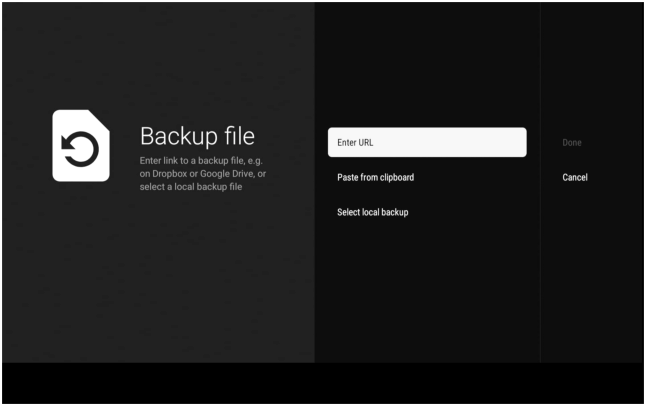
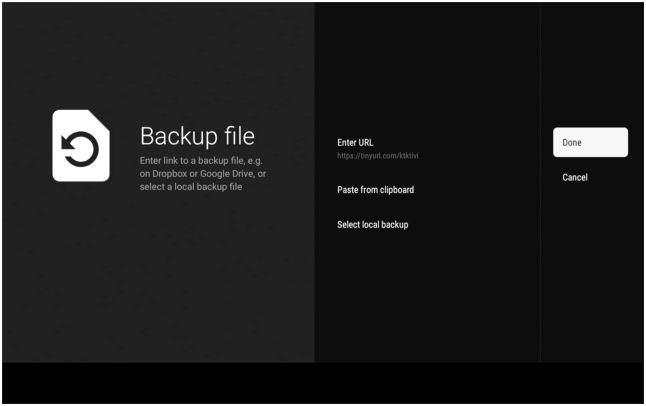
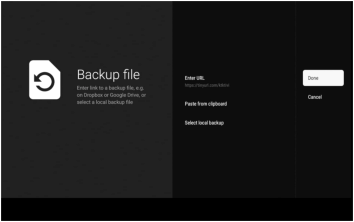
click enter url
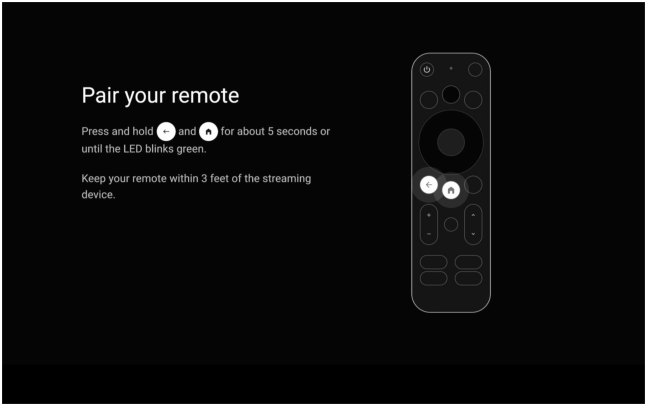
pair the remote
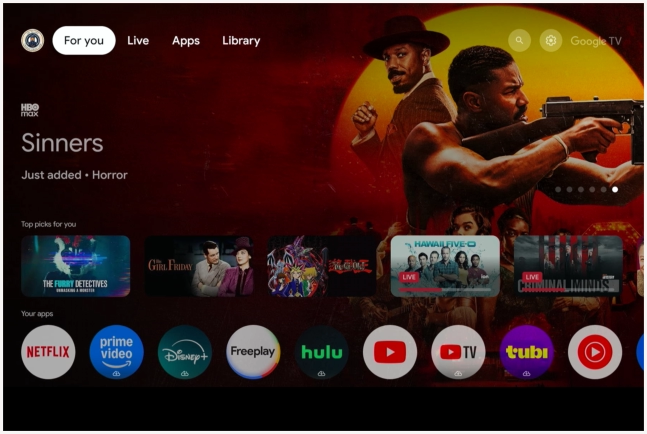
go to gear
click allow
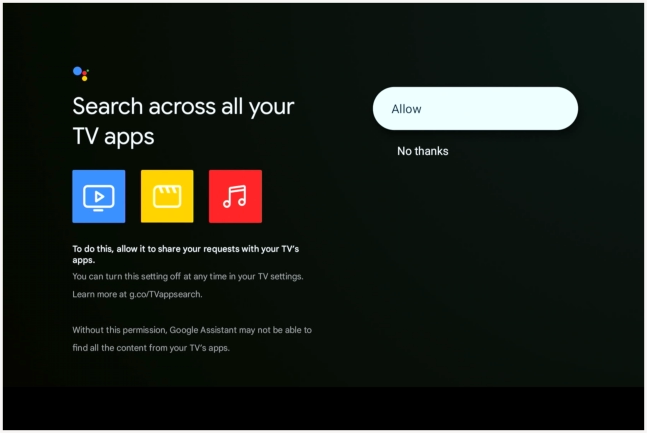
choose manual setup
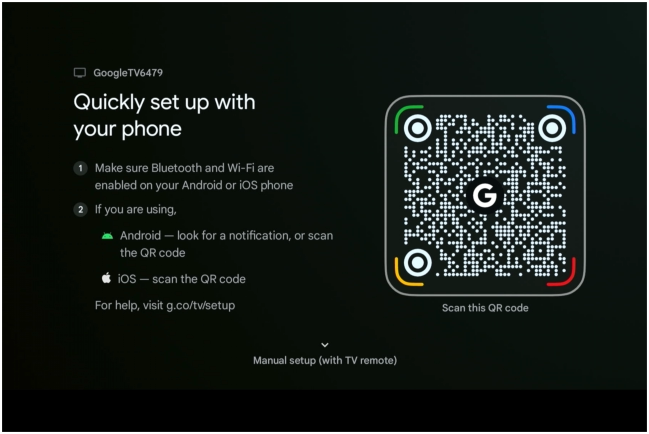
click arrow until main menu appears

successful
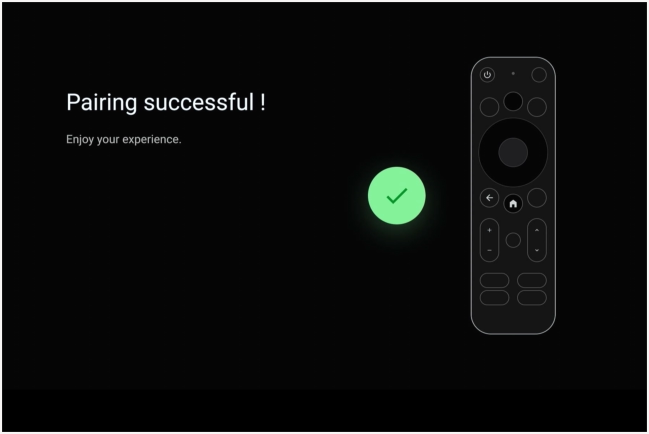
click center button
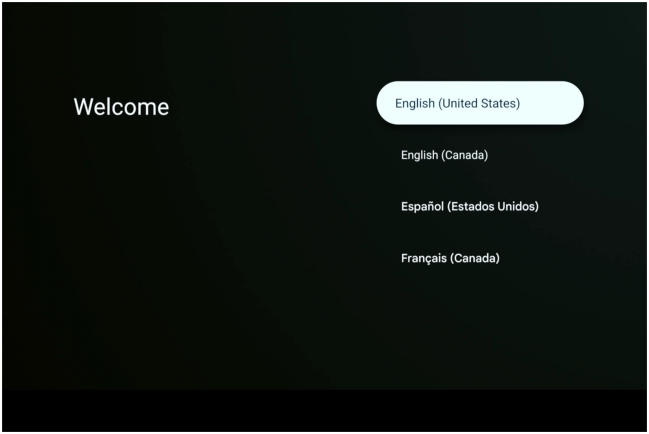
click center button
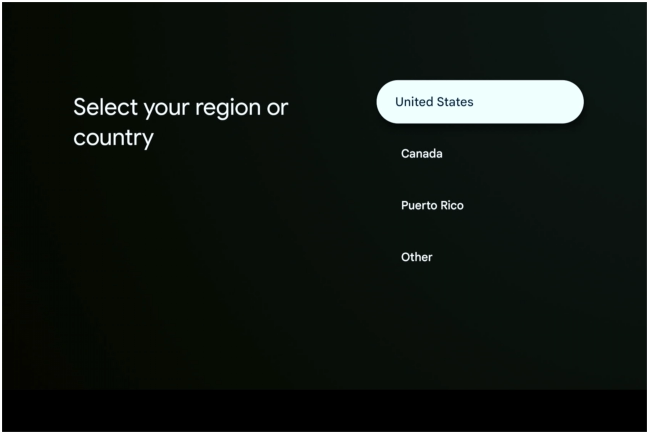
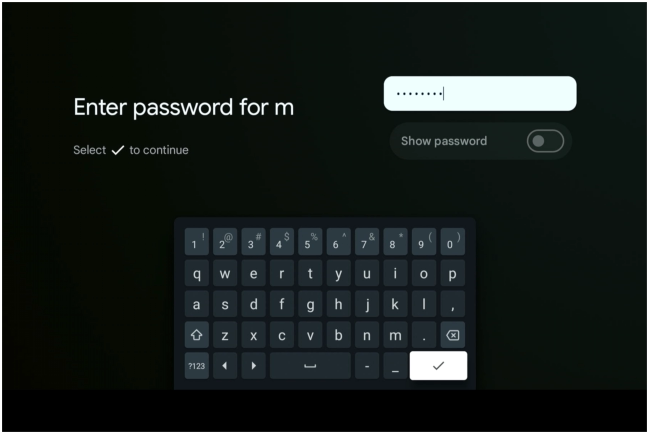
enter password
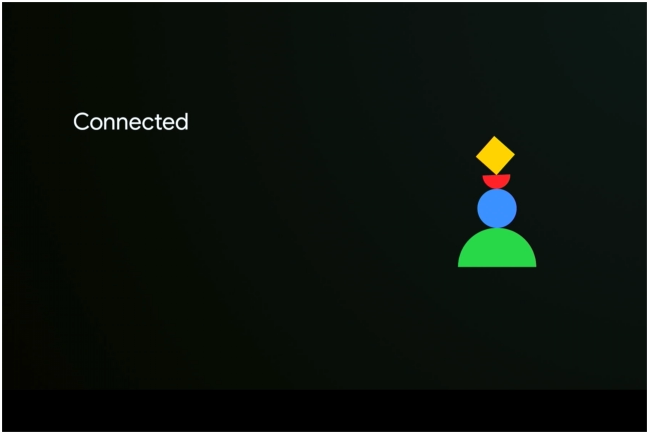
connecting
scroll down select tivimate
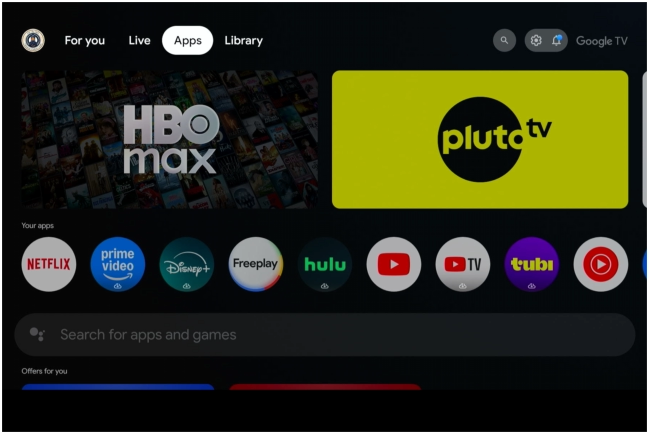
click settings
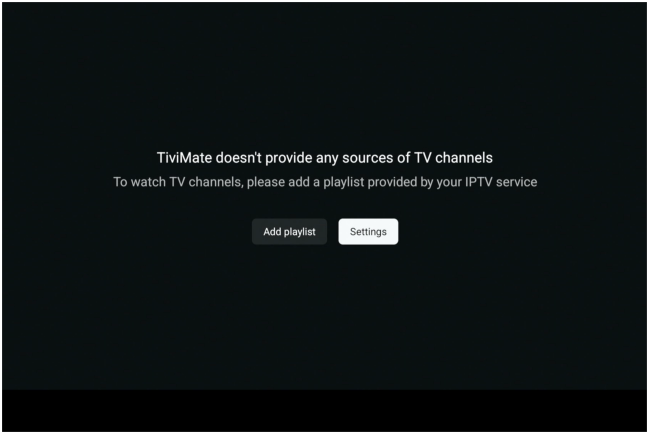
enter email and password
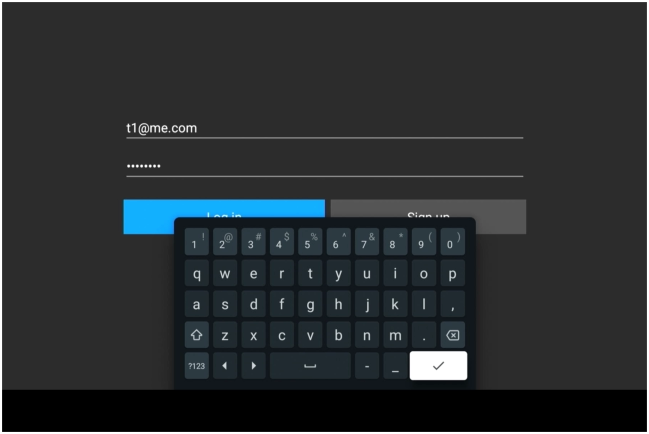
click restore
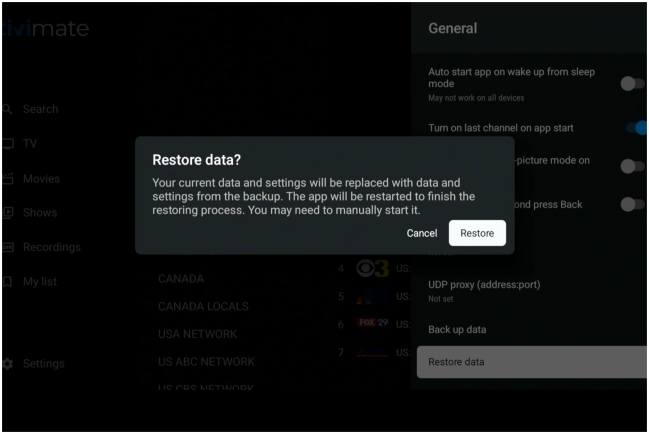
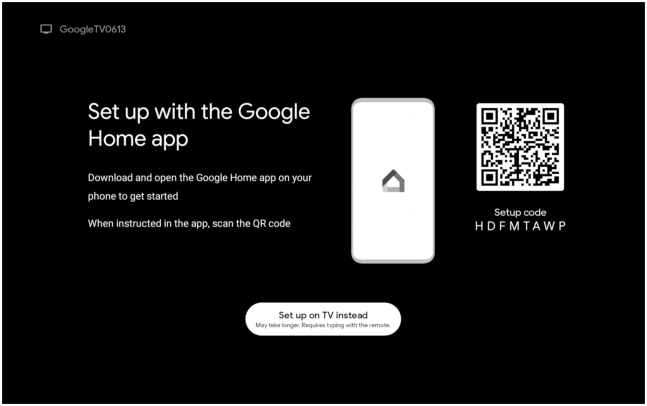
either of these might appead

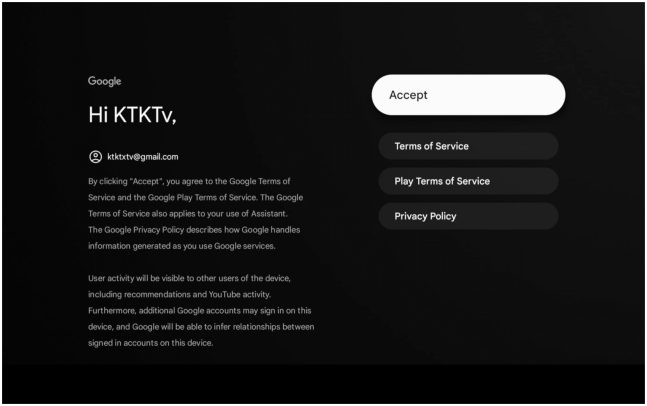
click center button
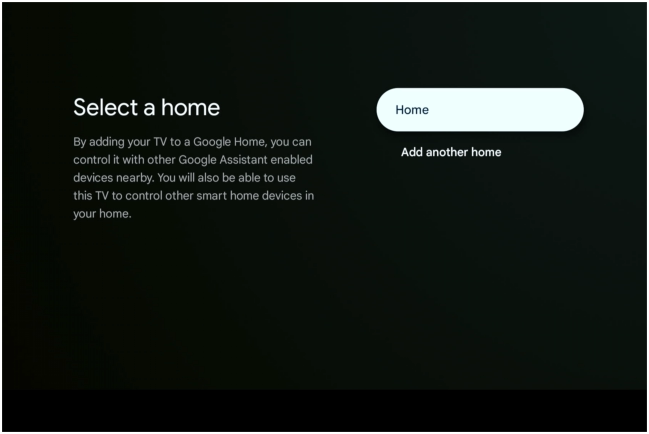
click center button
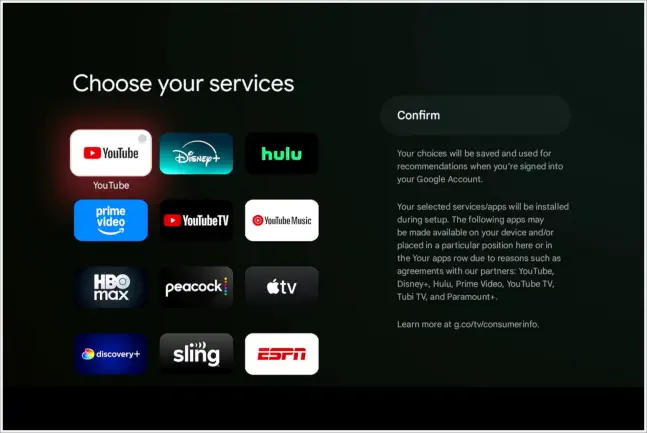
click confim button
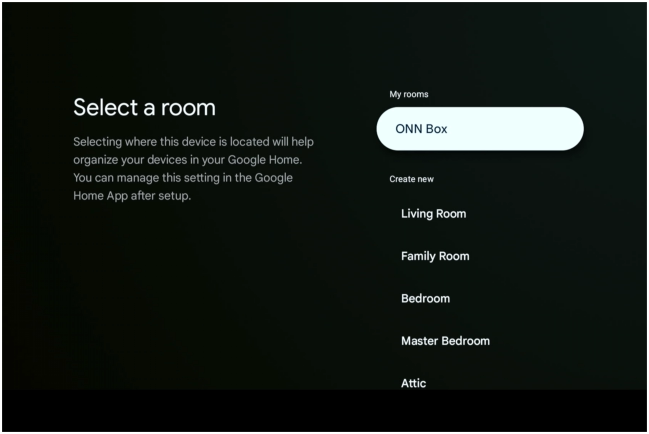
choose room | or onn box
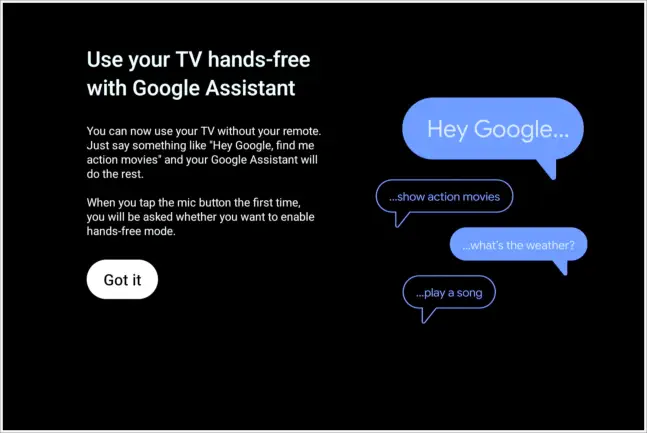
click center button
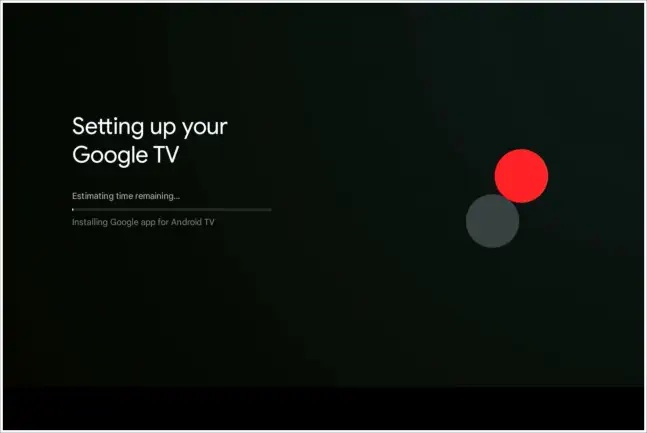
working…..
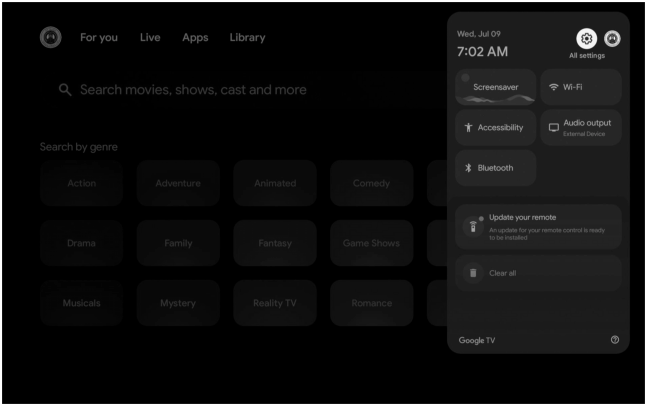
click gear
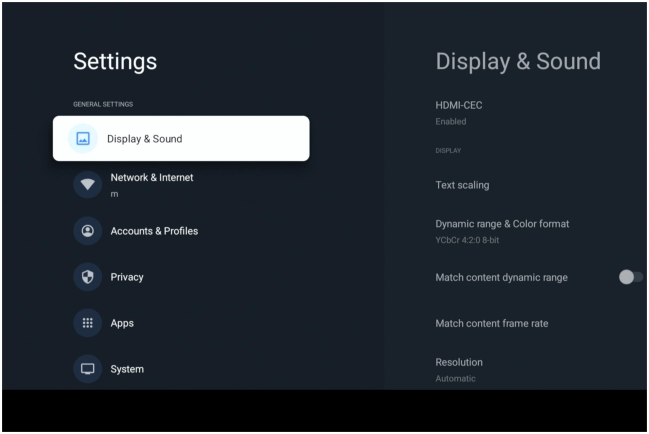
scroll down to aboue
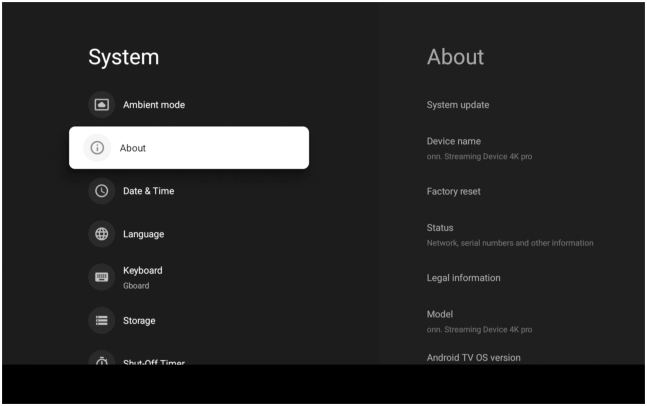
click about
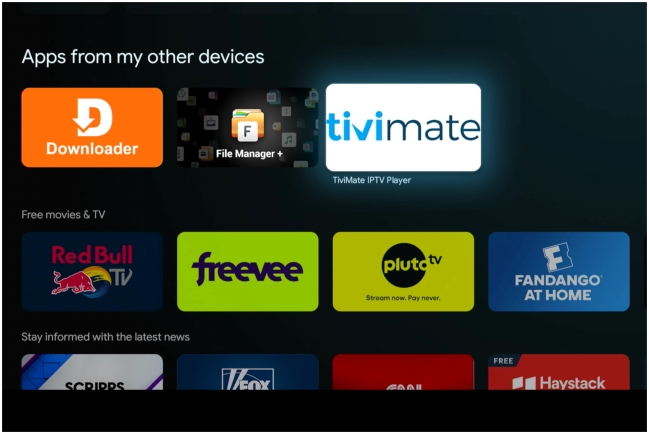
click tivimate
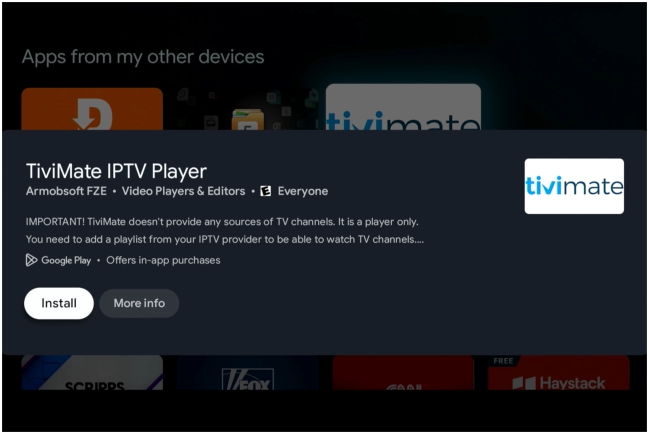
install tivimate
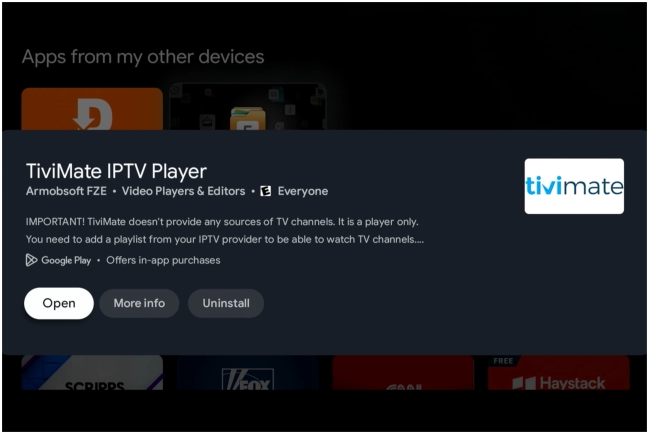
open tivimate
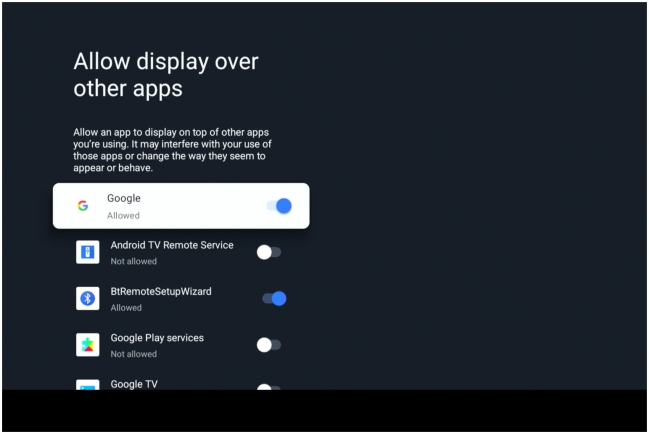
scroll down to tivimate
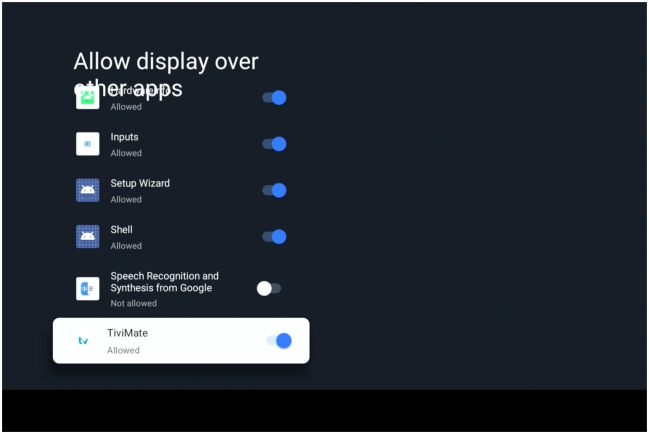
click to allow
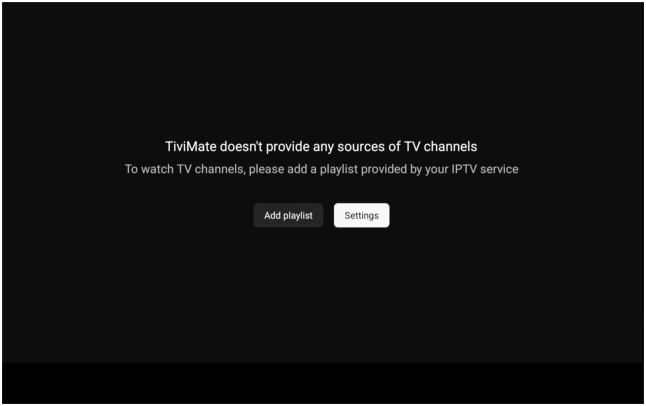
click settings
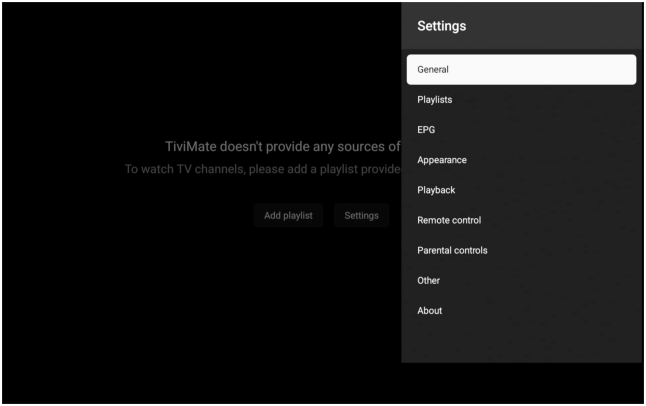
click general
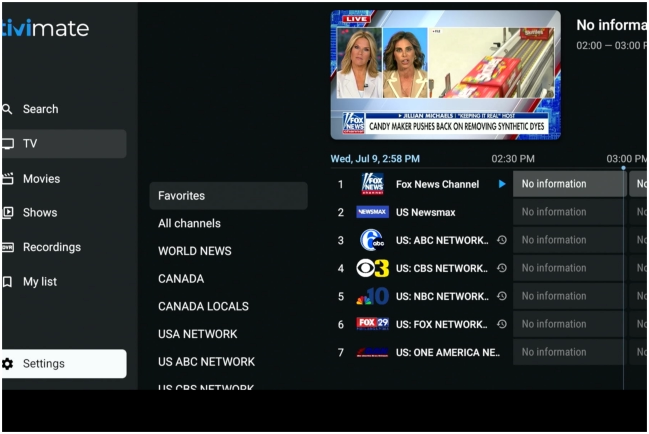
click settings
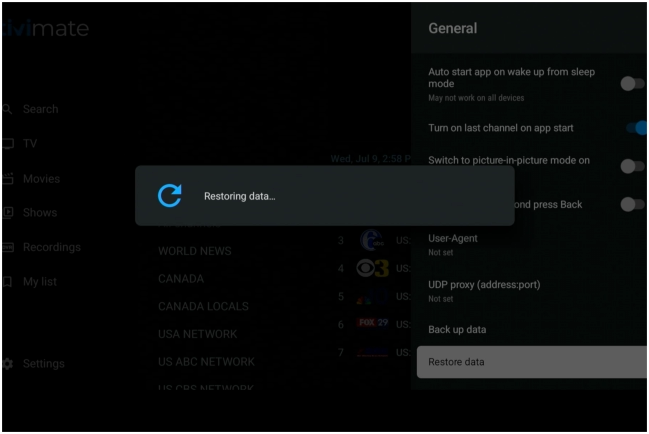
restoring…..
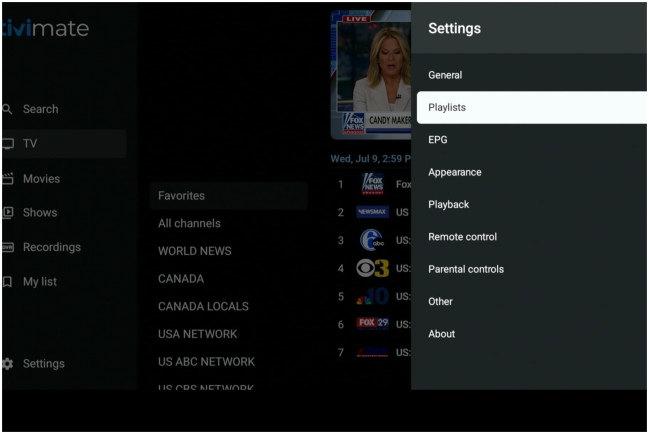
click playlists
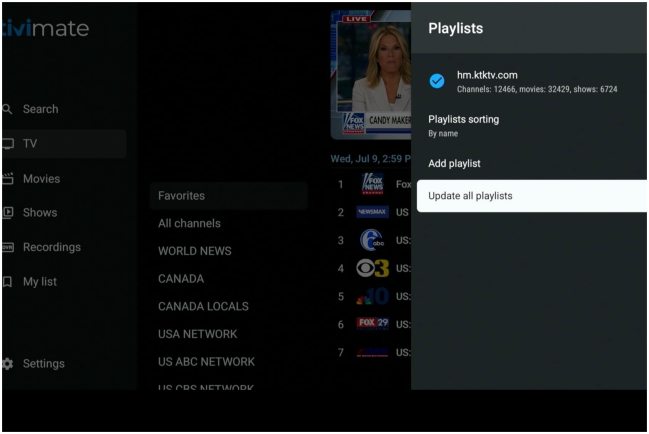
update all playlists
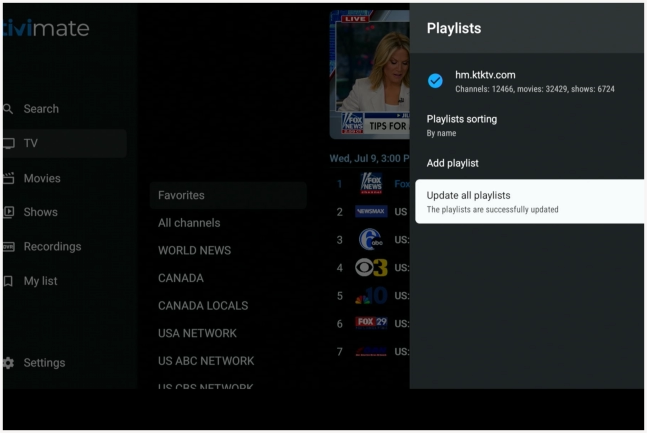
update complete
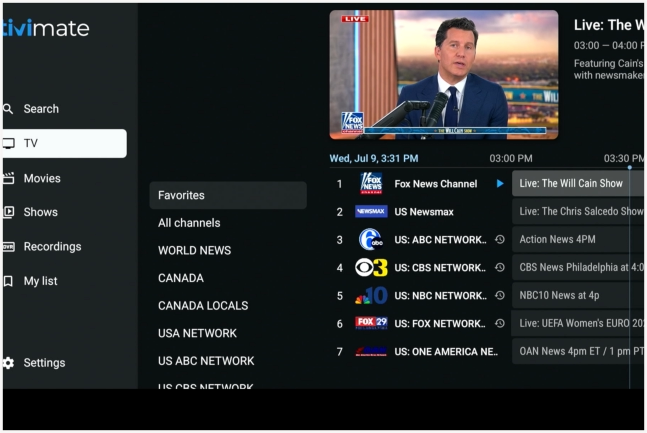
click arrow until tv, movies & shows appear


1
2
3
4
5
6
7
8
9
10
11
12
13
14
15
16
17
18
19
20
21
22
23
24
25
26
27
28
29
30
31
32
33
34
35
36
37
38
39
40
41
42
43
44
45
46
47
48
49
50
51
52
53
55
56
57
58
59
60
61
62
enter url provided
54


Call us anytime
833-588-5673
eMail us
support@KTKTV.com
ONN Setup

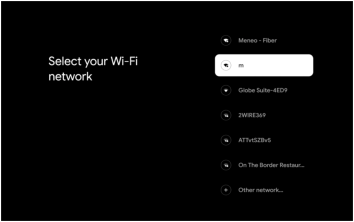
connect to your internet
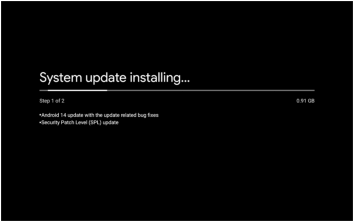
possible google update
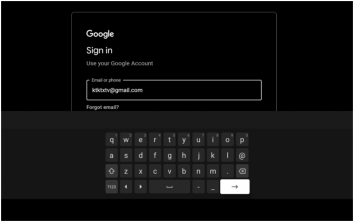
enter |ktktxtv@gmail.com
enter password
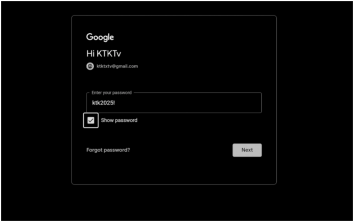
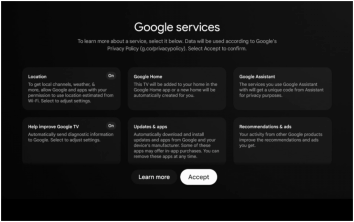
click accept
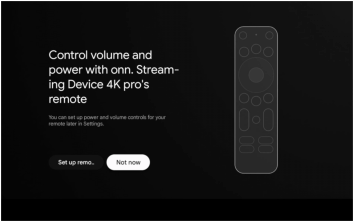
click not now
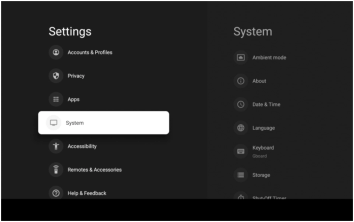
scroll down to system
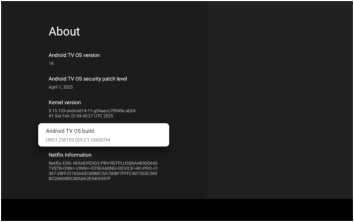
scroll down to os build
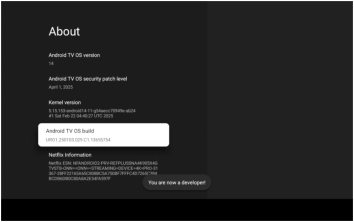
click 8 times
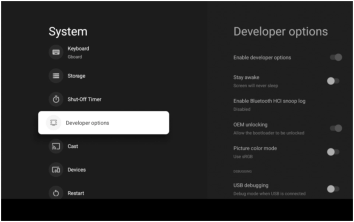
scroll to developer options
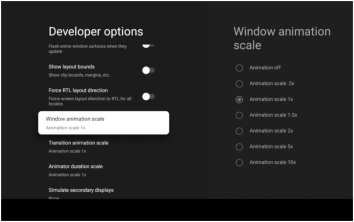
scroll to animation - turn off
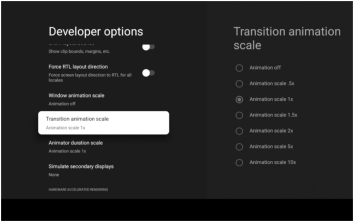
scroll to transition - turn off
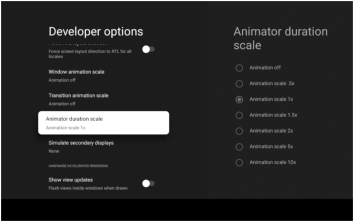
scroll to duration - turn off
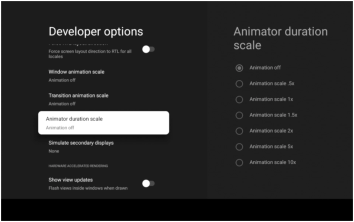
all three show off - click arrow until your’e on apps
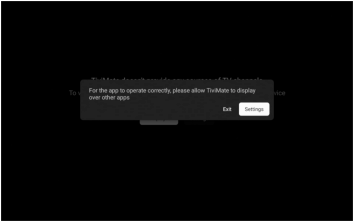
click settings
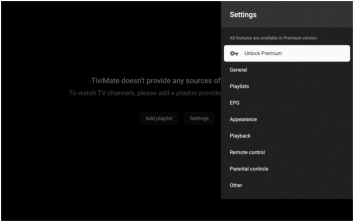
click unlock premium
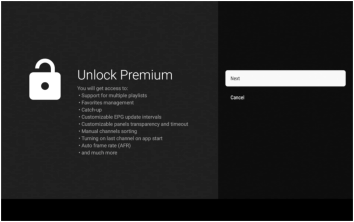
click next
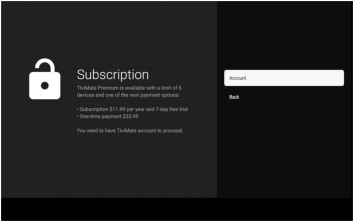
click account
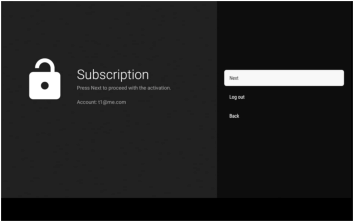
click next
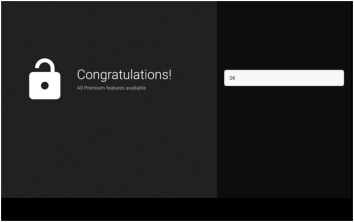
congradulations!
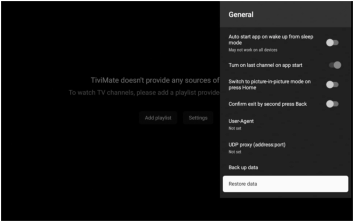
click restore
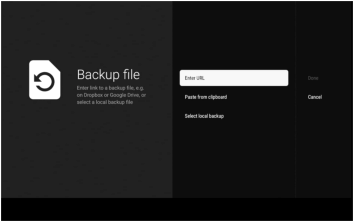
click enter url
pair the remote
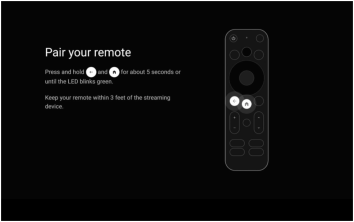
go to gear
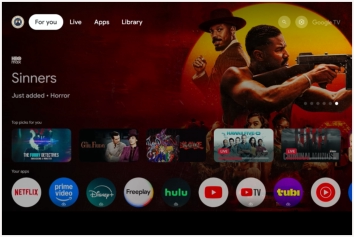
click allow
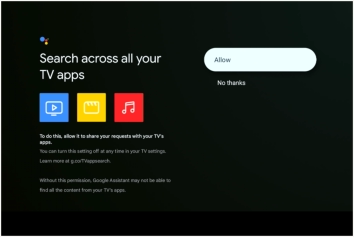
choose manual setup
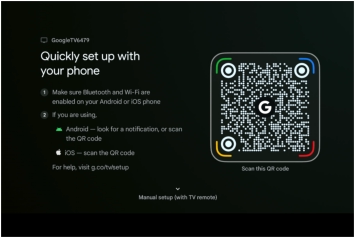
click arrow until main menu appears

successful
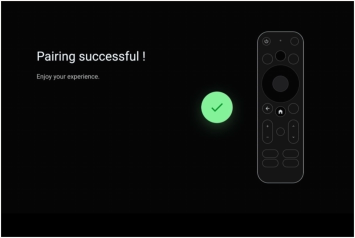
click center button
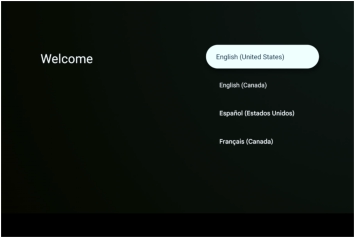
click center button
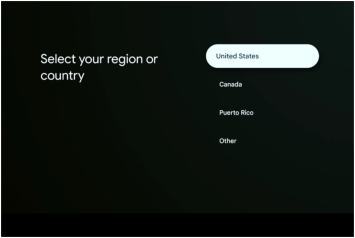
enter password
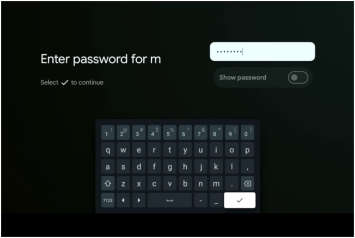
connecting
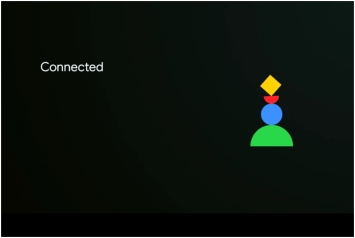
scroll down select tivimate
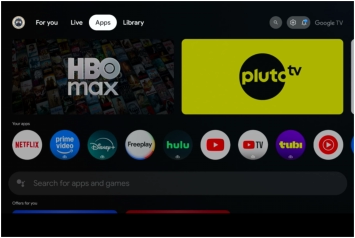
click settings
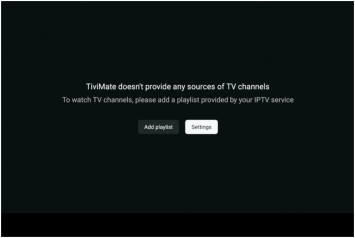
enter email and password
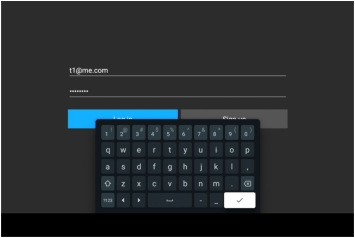
click restore
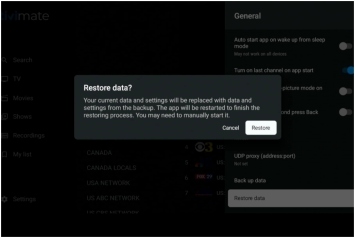
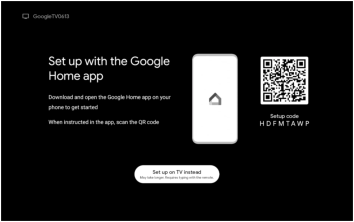
either of these might appead

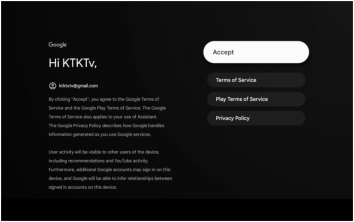
click center button
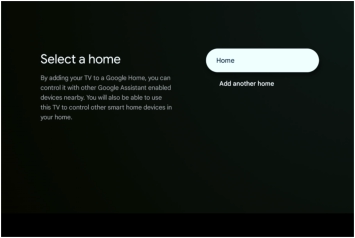
click center button
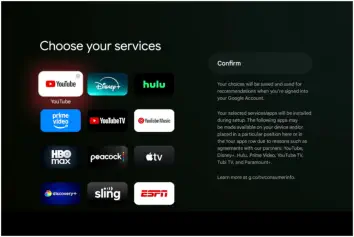
click confim button
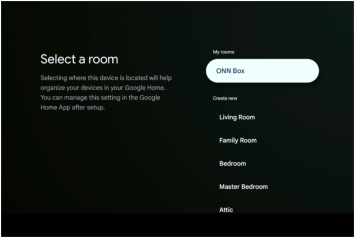
choose room | or onn box
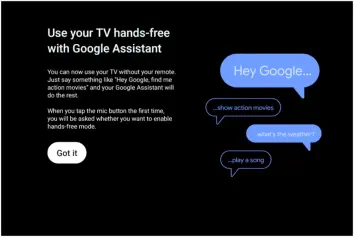
click center button
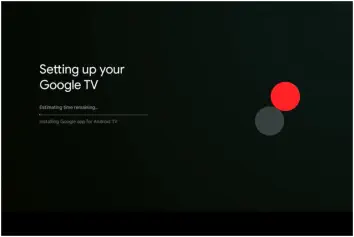
working…..
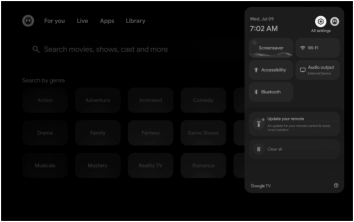
click gear
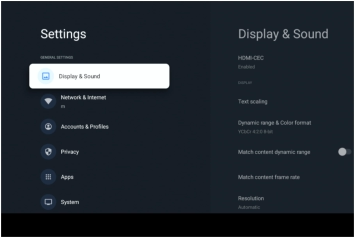
scroll down to aboue
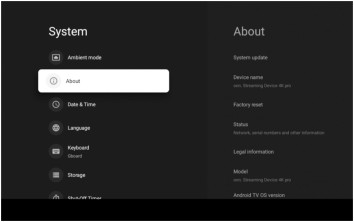
click about
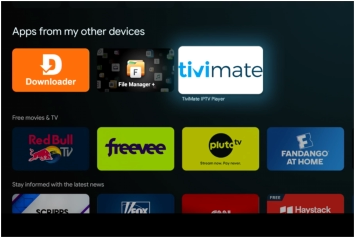
click tivimate
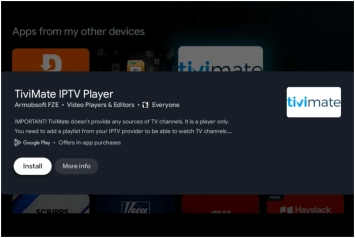
install tivimate
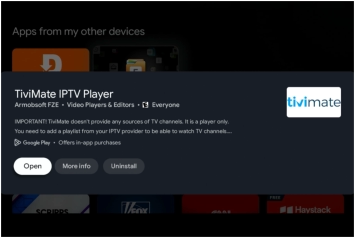
open tivimate
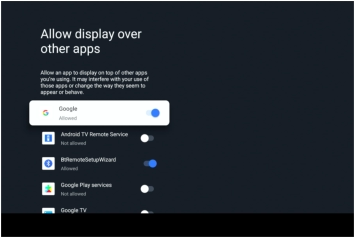
scroll down to tivimate
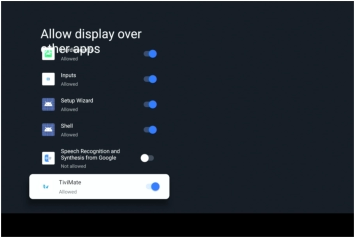
click to allow
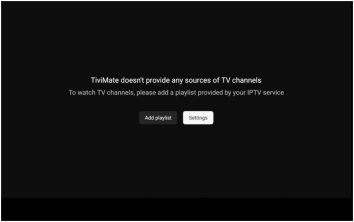
click settings
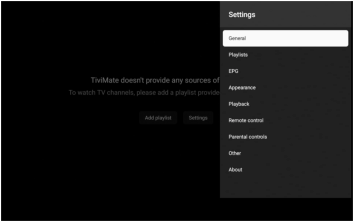
click general
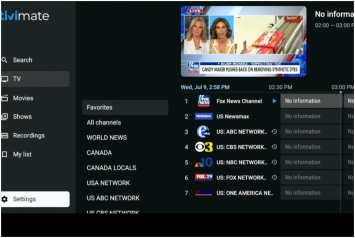
click settings
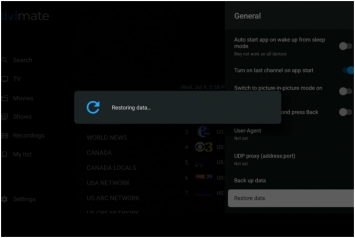
restoring…..
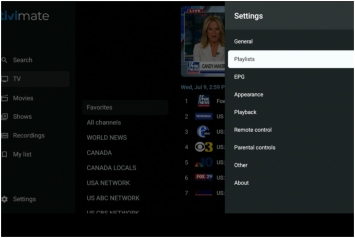
click playlists
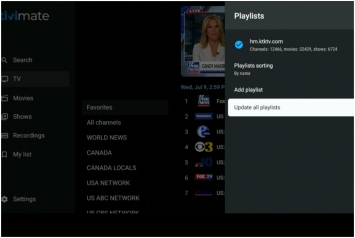
update all playlists
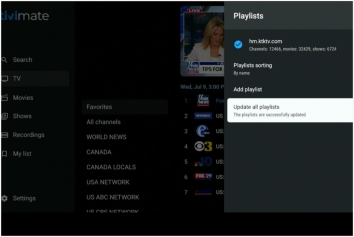
update complete
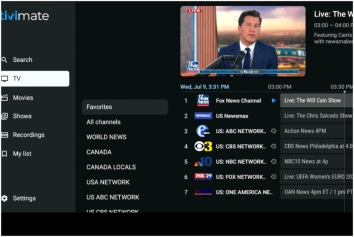
click arrow until tv, movies & shows appear


1
2
3
4
5
6
7
8
9
10
11
12
13
14
15
16
17
18
19
20
21
22
23
24
25
26
27
28
29
30
31
32
33
34
35
36
37
38
39
40
41
42
43
44
45
46
47
48
49
50
51
52
53
55
56
57
58
59
60
61
62
enter url provided
54